
Imagine you’ve just published your first post about surviving finals week at the University of Manchester. You’re excited. Then, a comment pops up asking if you have a privacy policy. Or worse, you realize you’ve been linking to Amazon products without saying you get a commission. Suddenly, that fun side project feels like a legal minefield.
If you are a student in the United Kingdom running a blog, website, or even an active social media page that functions as a content hub, you need specific legal pages. This isn’t just bureaucracy; it’s about protecting your data, respecting your readers, and keeping any income you earn safe from regulatory fines. The rules in the UK are strict, especially regarding the General Data Protection Regulation (GDPR) and the ePrivacy Regulations.
You don’t need a law degree to get this right. You just need to know which three documents are non-negotiable and how to write them so they actually cover you. Here is exactly what you need to put on your site to stay compliant in 2026.
The Non-Negotiable Trio: What Pages Do You Actually Need?
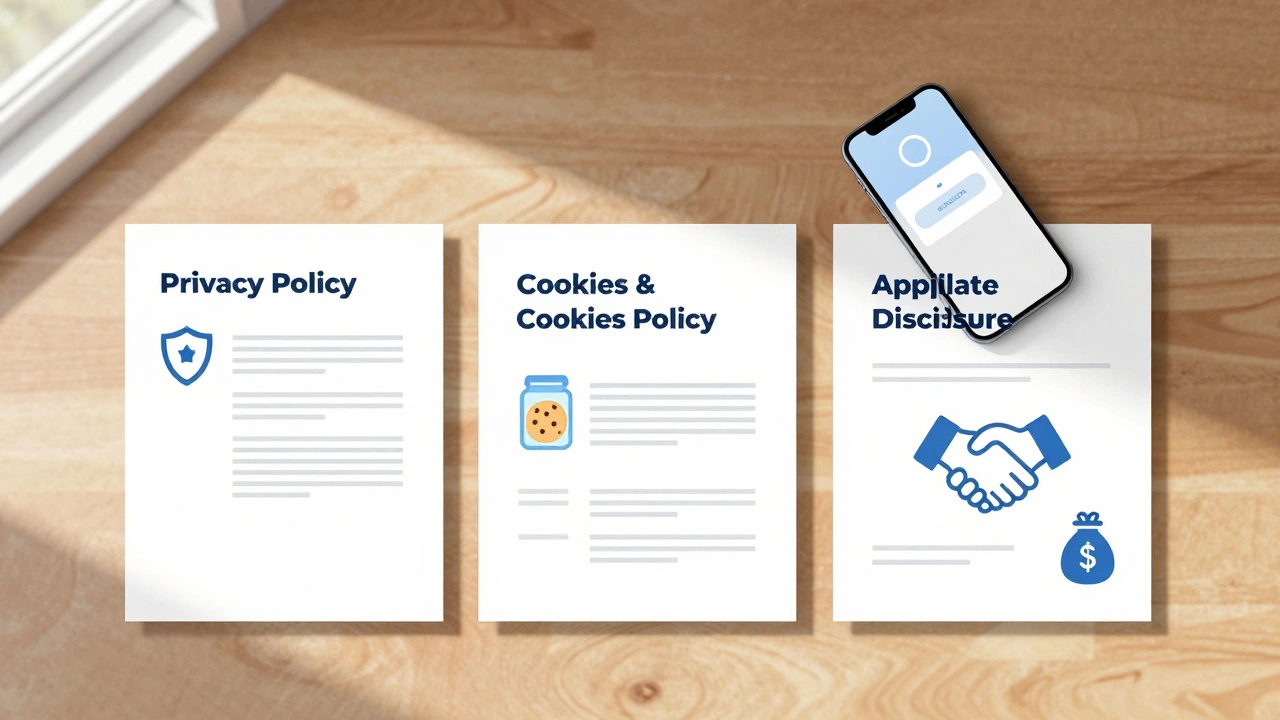
Most students think they only need a "Contact Us" page. That’s not enough. To operate legally in the UK, your blog needs three core documents. These aren’t optional extras; they are the foundation of trust and legality for any digital publisher.
- Privacy Policy: Explains how you collect, store, and use personal data.
- Cookies Policy: Details what tracking technologies you use and why.
- Affiliate/Advertising Disclosure: Reveals financial relationships with brands or networks.
Missing any of these can lead to issues with the Information Commissioner’s Office (ICO), the UK’s data protection regulator. While the ICO usually starts with warnings for small bloggers, repeated violations or serious negligence can result in significant fines. More importantly, platforms like Google AdSense or affiliate networks will ban you if you don’t display these disclosures clearly.
Understanding GDPR and Your Privacy Policy
The General Data Protection Regulation (GDPR) is the primary law governing how organizations handle personal data of individuals within the European Economic Area and the UK. Even though the UK has left the EU, the UK GDPR remains largely identical to the EU version. For a student blogger, this means you are a "data controller" whenever you collect information from visitors.
Your privacy policy must answer specific questions. Readers want to know: Are you selling their email address? Who else sees their data? How long do you keep it? Here is what must be included:
- Data Collection Methods: Be honest. If you use a contact form, a newsletter signup, or a comments section, state that you collect names and email addresses.
- Third-Party Services: Most students use WordPress.com, Wix, or Squarespace. These hosts process data on your behalf. You must list them. If you use Google Analytics, you must mention that Google processes user behavior data.
- User Rights: Under UK law, users have the right to access, correct, or delete their data. You need to provide a clear way for them to request this-usually via an email address listed in the policy.
- International Transfers: If your hosting provider is based in the US (like many large cloud services), you must explain how you ensure their data remains protected during transfer.
A common mistake students make is copying a generic template from 2018. Laws and services change. If you switched from Mailchimp to ConvertKit for your newsletter last month, your privacy policy needs to reflect that current reality. Update it every time you add a new tool.
Navigating Cookie Law and Consent Banners
The ePrivacy Regulations are UK laws that require websites to obtain consent before storing or accessing information on a user's device. This is commonly known as "cookie law." It applies to more than just cookies; it covers pixels, local storage, and other tracking technologies.
Here is the golden rule: You cannot assume consent. Pre-ticked boxes are illegal. You must actively ask users to agree to non-essential cookies. Essential cookies-those needed for the site to function, like remembering items in a shopping cart or maintaining a login session-do not require consent. Everything else does.
| Cookie Type | Purpose | Consent Required? |
|---|---|---|
| Strictly Necessary | Site functionality, security, load balancing | No |
| Performance/Analytics | Understanding how users navigate the site | Yes (unless anonymized) |
| Functional | Remembering preferences like language or font size | Yes |
| Targeting/Advertising | Serving relevant ads based on browsing history | Yes |
If you use Google Analytics, ensure you are using the latest version that allows for IP anonymization. Even then, best practice in the UK is to block analytics scripts until the user clicks "Accept All." Many free cookie banner plugins for WordPress or Shopify handle this logic for you. Just configure them correctly. Don’t hide the "Reject All" button behind multiple clicks; the ICO considers this dark pattern design and penalizes it.
Affiliate Marketing and Transparency Disclosures
Many students start blogs to earn extra cash through affiliate marketing. You link to textbooks on Amazon, recommend laptops, or promote software tools. In the UK, the Competition and Markets Authority (CMA) enforces strict guidelines on advertising standards to ensure consumers are not misled.
You must disclose any material connection between you and the brand you are promoting. A "material connection" includes money, free products, family relationships, or employment. The disclosure must be clear, conspicuous, and placed before the user encounters the affiliate link.
Using vague terms like "Sponsored Post" or "Partner Link" is often not enough. The CMA recommends plain language. For example: "I earn a commission if you buy through this link, at no extra cost to you." Place this statement at the top of the post, not buried in the footer. If you are reviewing a product sent to you for free, you must still disclose that you received it gratis, as this could influence your opinion.
Failing to disclose can damage your credibility instantly. Readers value honesty. When you admit you might benefit from a click, you build trust rather than losing it. It also protects you from being banned by affiliate networks, which audit sites regularly for compliance.
Copyright and Using Images Safely
While not always a separate "page," copyright compliance is critical for student bloggers. You might be tempted to grab images from Google Images to illustrate your points. This is risky. In the UK, copyright lasts for the life of the creator plus 70 years. Just because an image is online doesn’t mean it’s free to use.
To stay safe, use one of these strategies:
- Create Original Content: Take your own photos of campus life or create graphics using Canva.
- Use Licensed Stock Photos: Sites like Unsplash, Pexels, and Pixabay offer high-quality images under Creative Commons Zero (CC0) licenses, meaning you can use them without attribution, though checking individual license terms is wise.
- Attribute Properly: If you use a Creative Commons licensed image that requires attribution, include the creator’s name, the title, the source, and the license type.
Consider adding a brief "Image Credits" section at the bottom of posts where you list sources. This shows professionalism and respect for other creators’ work.
Setting Up Your Pages: A Practical Checklist
Now that you know what goes into these documents, here is how to implement them on your site. Most blogging platforms have built-in features to help.
- Create Static Pages: Add "Privacy Policy," "Cookies Policy," and "Disclosure" to your main navigation menu or footer. They should be easy to find.
- Install a Cookie Banner: Use a reputable plugin like Complianz, Cookiebot, or OneTrust. Configure it to block non-essential scripts until consent is given.
- Write Clear Disclosures: Draft a standard affiliate disclosure paragraph. Copy-paste this into the beginning of every post containing affiliate links.
- Review Regularly: Set a calendar reminder to review these pages every six months. Did you start using a new analytics tool? Did you partner with a new brand? Update accordingly.
- Provide Contact Info: Ensure your privacy policy lists a valid email address where users can exercise their data rights.
Don’t overcomplicate the language. Write these policies in plain English. If a 15-year-old can’t understand your privacy policy, it’s too complex. The ICO encourages transparency and clarity over legal jargon.
Common Pitfalls to Avoid
Even experienced bloggers slip up. Here are the most frequent mistakes students make:
- Hiding Policies: Putting links in tiny text at the very bottom of the page. Make them accessible.
- Ignoring Mobile Users: Ensure your cookie banner works smoothly on smartphones, where most students read blogs.
- Assuming Social Media Exemptions: If you run a dedicated Instagram or TikTok account for your blog, you may still need to disclose affiliate links in captions, though full privacy policies are less strictly enforced there unless you are collecting direct data.
- Not Updating After Platform Changes: If you move from Blogger to WordPress, your data processors change. Your policy must reflect this.
Legal compliance isn’t a one-time task. It’s part of maintaining a professional online presence. By getting these basics right, you protect yourself and show your audience that you take their privacy seriously.
Do I need a privacy policy if my blog makes no money?
Yes. The requirement to have a privacy policy depends on whether you collect personal data, not whether you profit. If you have a contact form, newsletter signup, or even use analytics that track users, you are processing personal data under UK GDPR and must inform users how you handle it.
Can I use a free privacy policy generator?
You can, but be cautious. Free generators often produce generic templates that may not cover specific third-party tools you use, like specific email marketing platforms or payment processors. Always customize the generated text to accurately reflect your actual data practices and consult official ICO guidance if unsure.
How should I display my affiliate disclosure?
Place the disclosure at the very beginning of the post, before any affiliate links appear. Use clear, bold text such as "Disclosure: This post contains affiliate links." Avoid hiding it in footnotes or requiring users to click through to another page to see it.
What happens if I don't comply with cookie laws?
The Information Commissioner’s Office (ICO) can issue enforcement notices, require you to stop processing data, or impose fines. For small bloggers, they typically start with warnings, but persistent non-compliance can lead to significant financial penalties and loss of trust with your audience.
Do I need different policies for different countries?
If you are targeting a UK audience, UK GDPR and ePrivacy regulations apply. If you have a significant number of visitors from the EU, California, or other regions with strict privacy laws, you may need to broaden your policy to meet those standards as well. However, starting with robust UK compliance is a strong baseline for global best practices.