
Imagine this: you are browsing for a new laptop or trying to grab a cheap train ticket home for the weekend. You find a website promising a massive 50% off just because you are a student. It looks legitimate. The URL seems right. But when you enter your details, something feels slightly off. Or worse, you don't notice until it is too late, and your bank account has been drained. In the UK, where students are already stretching every penny, these digital traps are becoming increasingly sophisticated.
Scammers know that students are eager for savings. They exploit this desperation by creating fake verification portals, phishing emails, and counterfeit apps. This guide cuts through the noise to help you identify the red flags of student discount scams, protect your personal data, and ensure you only use verified platforms like UNiDAYS or Student Beans.
The Anatomy of a Student Discount Scam
To spot a scam, you first need to understand how it works. Most student discount fraud falls into three categories: phishing sites, fake verification services, and social media impersonation.
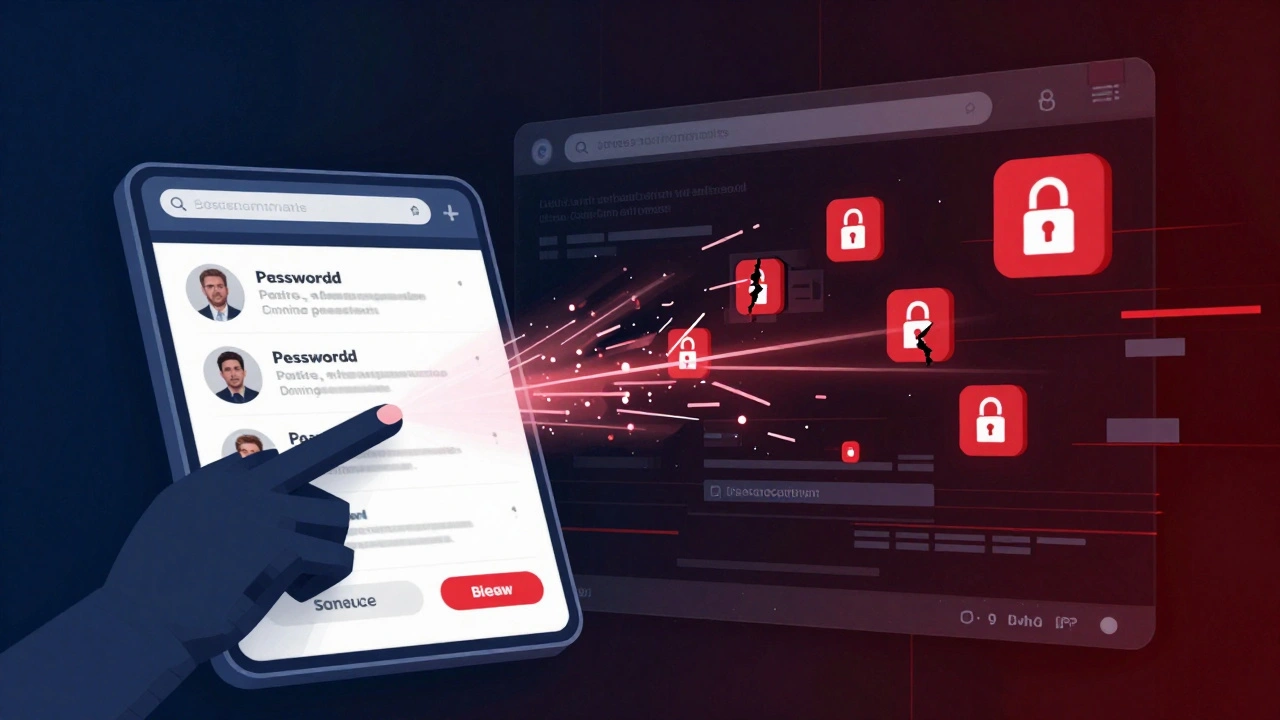
Phishing Websites are designed to look exactly like legitimate retailers or discount aggregators. For example, a scammer might create a site called "amazon-student-verify.com" instead of the real Amazon student page. When you click the link from a suspicious email or ad, you land on a clone site. It asks for your university email, password, or even your National Insurance number under the guise of "verifying your student status." Once you submit that information, the scammers have everything they need to steal your identity or access your accounts.
Fake Verification Services operate differently. These are often third-party websites that claim to offer instant student verification for a small fee, bypassing the usual free checks. They promise to get you onto major discount platforms like UNiDAYS or Student Beans without the hassle. In reality, they charge you money, take your data, and provide nothing in return. Sometimes, they simply sell your data to other criminals.
Social media impersonation is another common tactic. Scammers create fake Instagram or TikTok accounts posing as official brand ambassadors for companies like Nike or Apple. They post stories saying, "DM us for an exclusive student code!" When you message them, they send a link to a phishing site or ask for payment upfront for a "verification fee."
Red Flags: How to Spot a Fake Offer
You do not need to be a cybersecurity expert to spot these traps. There are clear warning signs that appear in almost every scam attempt. Keep an eye out for these specific indicators before you click "Submit" or share any information.
- The URL is slightly off: Legitimate sites use standard domains like .co.uk or .com. Scammers often use variations like .net, .org, or misspellings (e.g., "unidays-secure.com"). Always check the address bar carefully.
- Requests for sensitive data: A legitimate student discount provider will never ask for your bank details, full National Insurance number, or password to verify your student status. They only need proof of enrollment, such as a valid university email or a photo of your student ID.
- Too good to be true: If a site offers 80% off on high-demand electronics with no restrictions, it is likely a scam. Real discounts are usually capped at 10-30% for general goods.
- Poor grammar and design: While some scams are high-quality, many still contain spelling errors, broken links, or low-resolution images. Legitimate brands invest heavily in their web presence.
- Urgency tactics: Phrases like "Offer expires in 1 hour!" or "Only 3 spots left!" are psychological triggers used to make you act without thinking. Legitimate sales do not pressure you this way.
Legitimate vs. Illegitimate Platforms
Knowing which platforms are safe is crucial. In the UK, there are a few dominant, trusted entities that handle student verification. Stick to these well-known names to minimize risk.
| Feature | Legitimate Providers (e.g., UNiDAYS, Student Beans) | Suspicious/Scam Sites |
|---|---|---|
| Verification Method | University email (.ac.uk) or secure upload of student ID via HECS/ID.me | Asks for passwords, bank details, or pays fees for "instant" verification |
| Cost | Free for students | Often charges a small fee for "premium" codes or verification |
| Website Security | HTTPS with valid SSL certificates; professional design | May lack HTTPS, have expired certificates, or look cluttered |
| Partnerships | Listed directly on retailer websites (e.g., Nike, Spotify) | Found only via social media ads or unsolicited emails |
| Customer Support | Accessible via official app or website contact forms | No support, or only generic email addresses like @gmail.com |
TOTUM is another legitimate option, particularly for rail travel and entertainment, but it requires purchasing a physical or digital card. Be wary of sites selling "TOTUM cards" at significantly reduced prices online; these are often fraudulent.
Step-by-Step Guide to Safe Verification
If you want to ensure you are getting genuine discounts without falling victim to fraud, follow this secure process. This method applies whether you are signing up for UNiDAYS, Student Beans, or verifying directly with a retailer like Amazon or Apple.
- Start from the Source: Never click links in emails or social media posts claiming to offer student discounts. Instead, go directly to the retailer's official website. Look for a "Student" or "Education" link in the footer of the homepage.
- Use Official Apps: Download verification apps only from the official App Store or Google Play Store. Check the developer name and reviews. ID.me is a common secure verification partner used by many UK retailers.
- Verify Your Email: The safest way to prove you are a student is using your university-issued email address (ending in .ac.uk). If you do not have one, use the secure upload feature on trusted platforms to submit a photo of your current student ID or enrollment letter.
- Check for Two-Factor Authentication (2FA): Ensure your email and bank accounts have 2FA enabled. This adds an extra layer of security if your credentials are compromised.
- Monitor Your Accounts: Regularly check your bank statements for unauthorized transactions. Set up alerts for any activity over a certain amount.
What to Do If You Have Been Scammed
If you suspect you have entered your details on a fake site or paid for a non-existent discount, act quickly. Time is critical in minimizing damage.
First, change your passwords immediately. If you used the same password for your email or banking, update those as well. Second, contact your bank or credit card provider. Report the transaction as fraudulent. In the UK, banks are often required to refund unauthorized direct debits or card payments under Section 75 of the Consumer Credit Act or chargeback schemes.
Third, report the incident to Action Fraud, the UK's national reporting center for fraud and identity theft. They can issue you a unique crime reference number, which helps your bank and other agencies track the scam. Finally, consider placing a fraud alert on your credit file with agencies like Experian or Equifax to prevent scammers from opening new accounts in your name.
Protecting Your Digital Identity Long-Term
Avoiding student discount scams is part of broader digital hygiene. Scammers often use stolen data from one breach to target you in another. Here are some proactive steps to stay safe throughout your university years.
Be cautious about what you share on social media. Posting photos of your student ID, acceptance letters, or even your campus location can give scammers valuable personal information. Adjust your privacy settings to limit who can see your posts.
Use a password manager to generate and store unique, complex passwords for each account. This ensures that if one site is breached, your other accounts remain secure. Additionally, enable multi-factor authentication wherever possible. Even if a scammer gets your password, they cannot access your account without the second factor, such as a code sent to your phone.
Finally, educate yourself and your peers. Share knowledge about common scams within your student union or social circles. Awareness is the best defense against fraud. By staying vigilant and sticking to verified platforms, you can enjoy genuine savings without the stress of potential identity theft.
Is UNiDAYS safe to use?
Yes, UNiDAYS is a legitimate and widely used platform for student discounts in the UK. It partners with major brands and uses secure verification methods, such as checking your university email or uploading your student ID through a secure portal. Always ensure you are on the official UNiDAYS website or app to avoid phishing clones.
Can I get student discounts without a university email?
Yes, most legitimate platforms like UNiDAYS and Student Beans allow you to verify your status without a .ac.uk email. You can typically upload a photo of your current student ID card, a recent enrollment letter, or use a third-party verification service like ID.me. However, be cautious of sites asking for additional personal data beyond these standard proofs.
What should I do if I receive an email offering a student discount?
Do not click any links in the email. Instead, go directly to the retailer's official website and search for their student discount program. Legitimate companies rarely send unsolicited discount offers via email. If you are unsure, check the sender's email address for misspellings or unusual domains, which are common signs of phishing attempts.
Are there any fees for using student discount apps?
No, reputable student discount apps like UNiDAYS, Student Beans, and TOTUM are free to join for students. Any service asking you to pay a fee to verify your student status or access discounts is likely a scam. Always remember that the value of these platforms comes from partnerships with retailers, not from charging users.
How can I report a student discount scam in the UK?
You should report any suspected student discount scam to Action Fraud, the UK's national reporting center for fraud and identity theft. You can report online or by phone. Additionally, inform your bank if you have shared financial details, and consider changing your passwords if you entered login credentials on a suspicious site.