
Splitting the bill is the golden rule of university life. You share rent, you share groceries, and increasingly, you share your internet connection. With average UK broadband costs hovering around £30-£40 a month in 2026, dividing that cost among three or four flatmates can save each person significant cash every term. But plugging one router into a house full of gamers, streamers, and Zoom users isn’t as simple as splitting a pizza. If you get it wrong, you’ll face buffering nightmares, security risks, and awkward arguments about who used up all the data.
This guide cuts through the jargon. We’ll look at how to legally share an account, which providers actually allow this, and how to set up your home network so everyone gets a fair speed without crashing the system during exam season.
Can You Legally Share a Broadband Account?
The first thing you need to know is that most Internet Service Providers (ISPs) in the UK have strict terms and conditions regarding shared usage. Companies like BT, Sky, and TalkTalk typically state that their residential broadband packages are for "personal and domestic use" within a single household. Technically, if you and your flatmates are separate legal tenants signing individual contracts with your landlord, some ISPs might argue you aren't one "household."
However, in practice, enforcement is rare unless you’re running a business from the property or reselling the service. The real issue isn’t usually legality-it’s performance. Standard residential plans often come with lower priority on the network. If five people are downloading large files simultaneously, your speeds will drop regardless of what the contract says.
To avoid any headaches, always check the "Acceptable Use Policy" (AUP) of your chosen provider. Some newer student-focused providers, like Student Beans-partnered deals or specific offers from Virgin Media, are more flexible because they understand the multi-tenant nature of student housing.
Choosing the Right Plan for Multiple Users
Not all broadband plans are created equal. When you’re splitting costs, you need a plan that handles concurrent connections well. Here is what to look for:
- Speed Tiers: Avoid basic entry-level packages (often called "Standard" or "Entry") that cap out at 50-100 Mbps. For a house with 3-4 students, aim for "Superfast" or "Ultrafast" tiers offering at least 300-500 Mbps. This ensures that when one person is streaming 4K Netflix, another can still join a lecture on Teams without freezing.
- Data Caps: Most UK fiber plans are "uncapped," meaning there’s no limit on how much data you use. Always confirm this. Some mobile broadband alternatives (like 5G home hubs) may have fair usage limits, which are dangerous for heavy downloaders.
- Contract Length: Student tenancies are often short (6-9 months). Look for providers offering 18-month contracts that allow early termination with a fee, or monthly rolling contracts. Locking yourself into a 24-month deal can be risky if you move back home after your first year.
| Provider | Avg Speed (Mbps) | Monthly Cost (Est.) | Best For | Contract Flexibility |
|---|---|---|---|---|
| BT Infinity | 150 - 900 | £35 - £50 | Reliability & Coverage | 18-month standard |
| Virgin Media | 108 - 1130 | £30 - £45 | High-speed gaming/streaming | 18-month standard |
| Sky Broadband | 59 - 145 | £27 - £35 | Budget bundles (TV+Internet) | 18-month standard |
| Plusnet | 50 - 145 | £20 - £30 | Cheapest option | 18-month standard |
Setting Up Your Router for Fair Sharing
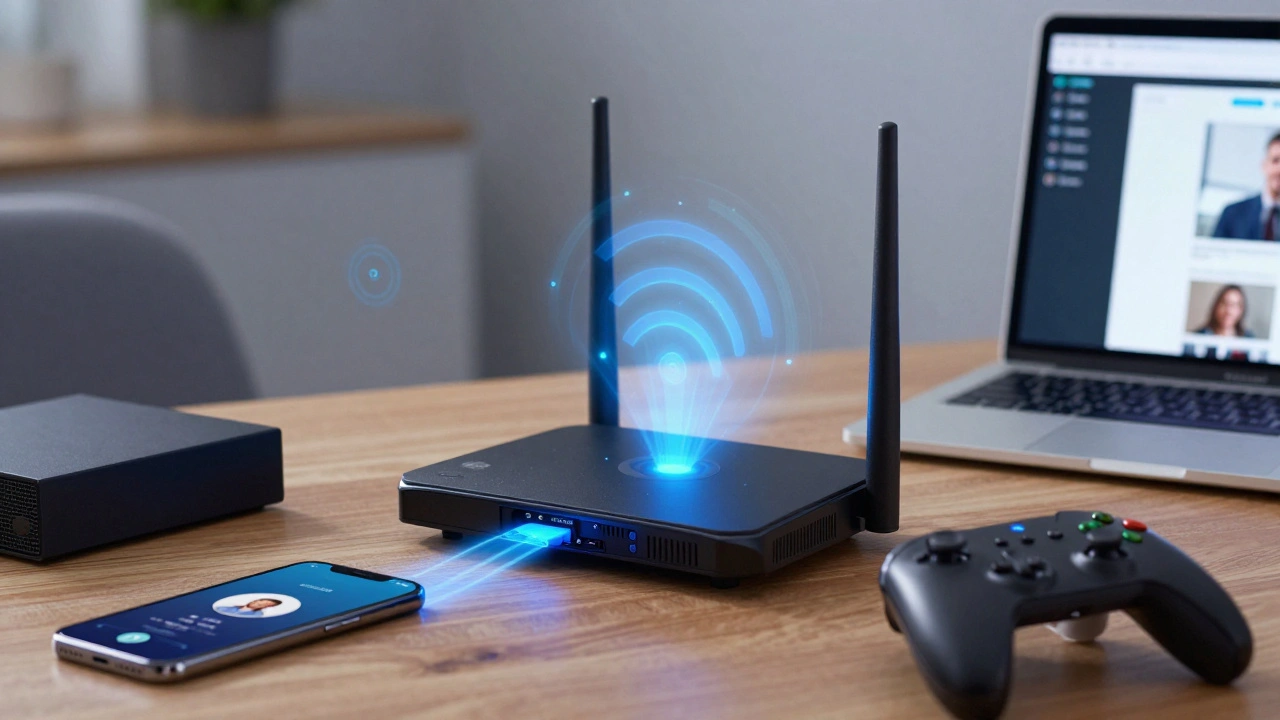
Once you’ve signed up, the hardware matters just as much as the subscription. The router provided by your ISP is usually basic. To handle multiple devices-phones, laptops, smart TVs, and consoles-you need to optimize your setup.
Central Location: Place your router in the center of the house, ideally on a high shelf. Don’t hide it in a cupboard or behind the sofa. Walls and floors block Wi-Fi signals significantly.
Wi-Fi 6 Technology: If your budget allows, buy a modern Wi-Fi 6 router. Unlike older Wi-Fi 5 routers, Wi-Fi 6 is designed specifically for environments with many connected devices. It manages traffic more efficiently, reducing lag when everyone is online at once.
Mesh Systems: If your student house is large or has thick stone walls (common in older UK university towns), a single router won’t cover every room. Consider a Mesh Wi-Fi system like Google Nest Wifi or Eero. These systems use multiple nodes to create a seamless blanket of coverage, ensuring the person in the furthest bedroom gets the same speed as the one in the living room.
Managing Bandwidth: Who Gets What?
Even with a fast connection, conflicts arise. One person downloading a 50GB game update can choke the network for others trying to submit coursework. Here is how to manage bandwidth fairly:
- Use QoS Settings: Most routers have Quality of Service (QoS) settings. This allows you to prioritize certain types of traffic. Set video calls (Zoom, Teams) and online exams as "High Priority." Gaming and large downloads can be set to "Normal" or "Low."
- Schedule Downloads: Agree on a "download window." For example, between 1 AM and 5 AM is usually quiet. Encourage flatmates to schedule large updates during these hours.
- Separate Networks: Many modern routers allow you to create a separate "Guest Network." You can give guests or IoT devices (smart plugs, fridges) access to this network, keeping your main network free for laptops and phones.
If your router doesn’t support advanced QoS, consider buying a third-party router that does. Brands like ASUS and Netgear offer robust parental control and bandwidth management tools that work well for flatmates too.
Security Risks of Shared Connections
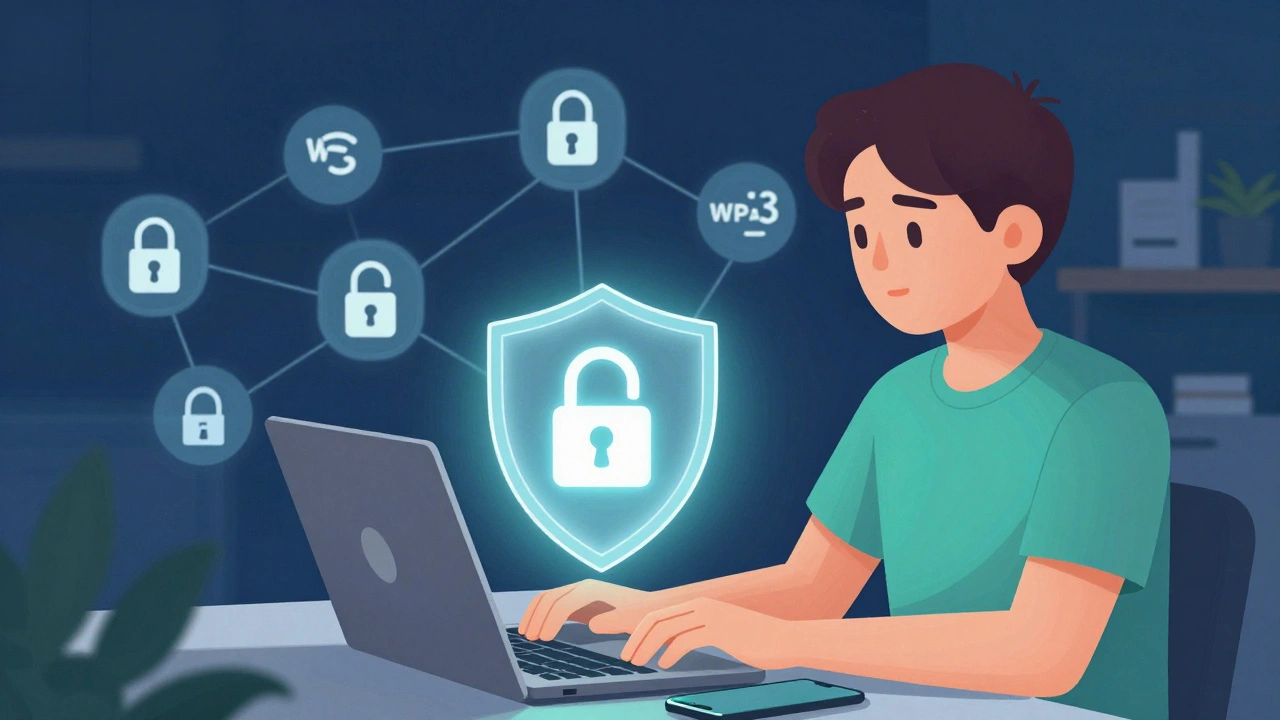
Sharing an internet connection means sharing responsibility for security. If one flatmate clicks a phishing link, malware could spread to other devices on the network. Protect yourselves with these steps:
- Strong Passwords: Change the default router password immediately. Use a complex mix of letters, numbers, and symbols. Share this password only with trusted flatmates.
- WPA3 Encryption: Ensure your router uses WPA3 encryption, the latest security standard. It is much harder to hack than the older WPA2 protocol.
- Regular Updates: Keep the router’s firmware updated. Manufacturers release patches to fix security vulnerabilities. Check for updates every few months.
- No Public Sharing: Never share your Wi-Fi password with neighbors or delivery drivers. Unauthorized users slow down your connection and pose a security risk.
What Happens When Someone Moves Out?
Student housing is transient. People leave mid-year, graduate, or take summer jobs. This creates administrative challenges for shared broadband.
If one person is the "account holder," they remain liable for the bill even if others stop paying. To avoid this, keep clear records of payments. Use apps like Splitwise to track who owes what. If a flatmate moves out, ensure they remove their devices from the network and change the Wi-Fi password to prevent them from continuing to use the connection after leaving.
If the account holder leaves, you must contact the ISP to transfer the contract to someone else. This process can take weeks, so plan ahead. Some ISPs require credit checks for new account holders, so choose someone with a stable financial history.
Alternatives to Shared Fiber Broadband
If finding a provider willing to share a contract proves difficult, consider these alternatives:
Mobile Broadband Hubs: Devices like the EE 5G Hub or Vodafone Smart Ultra plug into a power socket and provide Wi-Fi using SIM cards. They are portable, have no installation fees, and often offer monthly rolling contracts. However, speeds depend on local mobile signal strength, and data caps can be restrictive.
Individual Plans: In some cases, it’s cheaper and simpler for each flatmate to have their own mobile hotspot or a low-cost individual broadband plan. This eliminates billing disputes but increases the total cost.
University Wi-Fi: Don’t overlook your university’s campus Wi-Fi. While it may not be suitable for heavy gaming or large downloads, it’s often sufficient for research, emails, and light streaming. Use it as a backup to reduce load on your home network.
Frequently Asked Questions
Is it illegal to share broadband with flatmates in the UK?
It is not strictly illegal, but it may violate the Terms and Conditions of your ISP. Most providers reserve the right to cancel service if they detect commercial use or excessive sharing. However, casual sharing among flatmates in a single rental property is rarely enforced unless it causes network congestion or security issues.
How many people can realistically share one broadband connection?
With a modern fiber connection (300+ Mbps) and a good Wi-Fi 6 router, 4-6 people can comfortably share a connection for streaming, browsing, and video calls. Heavy activities like 4K streaming or large file downloads require higher bandwidth tiers to avoid lag.
Who should be the account holder for shared student broadband?
The account holder should be the flatmate with the most stable financial situation and longest expected stay in the property. They are legally responsible for the bill, so choose someone reliable who won’t disappear mid-contract.
Can I use my phone as a hotspot instead of shared broadband?
Yes, but it’s expensive and drains battery. Mobile data plans in the UK are costly for high usage. Hotspots are best for occasional use or emergencies, not for daily heavy internet consumption by multiple people.
What happens to the broadband contract if we move out before the term ends?
You will likely pay an Early Termination Fee (ETF). These fees decrease over time. Contact your ISP as soon as possible to see if you can transfer the contract to new tenants or downgrade to a cheaper plan.
Do I need to inform my landlord about shared broadband?
Generally, no. Broadband is a personal utility. However, if you need to drill holes for cables or install external antennas, check your lease agreement first. Most landlords don’t care about Wi-Fi setups.
Which UK ISP is best for student houses?
BT and Virgin Media are popular due to their wide coverage and high-speed options. Plusnet is a great budget choice if you don’t need ultra-high speeds. Always compare prices and read reviews specific to your postcode, as performance varies by location.
How do I prevent one person from hogging all the bandwidth?
Use Quality of Service (QoS) settings on your router to prioritize essential tasks like video calls. Alternatively, agree on a schedule for large downloads. Advanced routers allow you to set bandwidth limits per device.
Is fiber optic better than cable for students?
Fiber optic (FTTC or FTTP) generally offers more stable speeds and lower latency, making it better for gaming and video calls. Cable (Virgin Media) can be faster in peak times but may suffer from congestion in densely populated areas. Check local availability.
Can I keep my broadband address if I move to a new student house?
No, broadband is tied to a physical address. You must cancel your existing contract and set up a new one at your new address. Some providers offer "portability" services, but this is rare for residential customers.