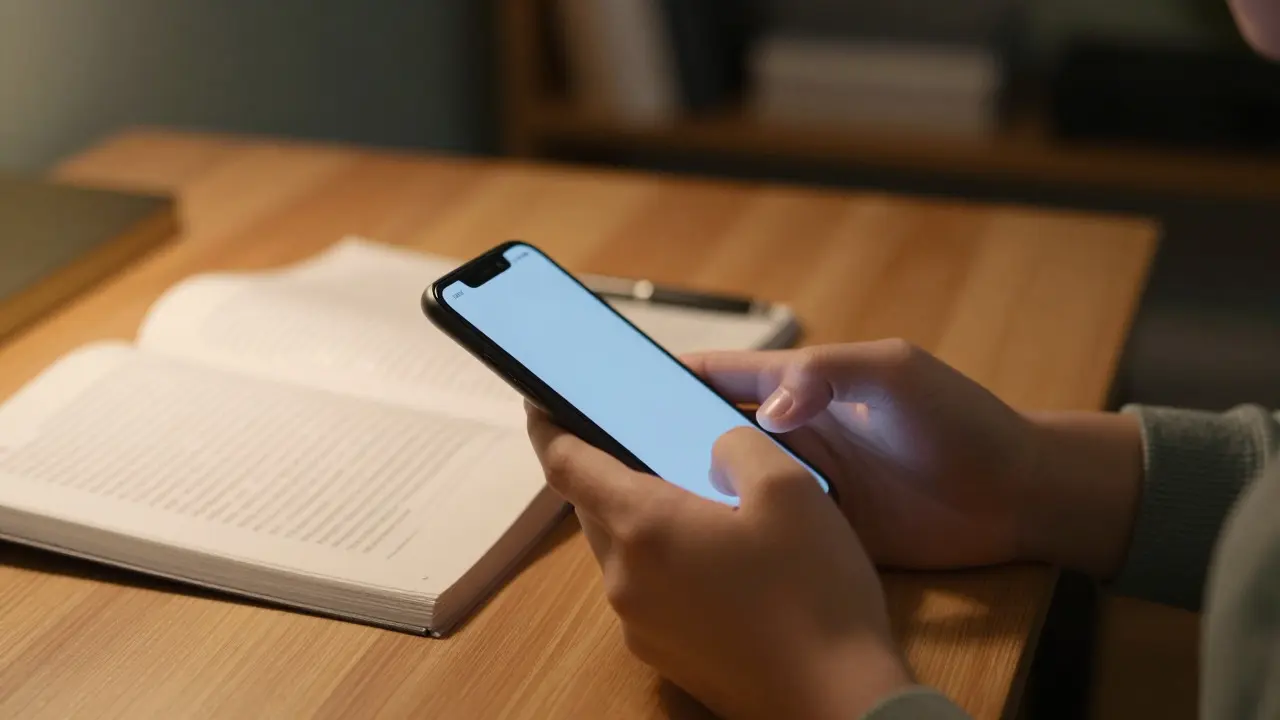
It’s 9 PM on a Tuesday. You’re supposed to be revising for your A-Levels or university exams, but your thumb is already scrolling through TikTok. Before you know it, forty-five minutes have vanished. This isn’t just about willpower; it’s about how modern devices are engineered to keep you hooked. For UK students, who face some of the most competitive academic environments in Europe, managing digital distractions that fragment attention and reduce retention rates by up to 40% is no longer optional-it’s essential.
The problem isn't that technology is bad. It’s that we use it passively. The goal here isn't to ban phones forever (let's be real, you need them). The goal is to take back control so your brain can actually absorb what you're learning. We’ll look at specific, realistic strategies to set boundaries with your device without feeling like you’re living in the Stone Age.
Why Your Brain Hates Context Switching
Before we jump into tactics, understand why checking your phone every ten minutes is so damaging. It’s not just lost time; it’s cognitive cost. When you switch from a complex math problem to a text message, your brain doesn't instantly snap back. Research from the University of California, Irvine, suggests it takes an average of 23 minutes to fully refocus after an interruption.
This phenomenon is known as Attention Residue. It means part of your mind is still stuck on the notification you just saw while you try to read history notes. For a student juggling multiple modules, this residue accumulates, leading to mental fatigue long before the day ends. If you feel exhausted after studying for two hours, it might not be because the material was hard-it’s because you were fighting your own device all along.
The "Friction" Method: Making Distractions Harder to Reach
The easiest way to stop doing something is to make it annoying to do. In behavioral psychology, this is called increasing friction. You don’t need strict rules; you just need to add steps between you and the distraction.
- Move notifications out of sight: Keep your phone face down. Sounds obvious, but seeing the screen light up triggers a dopamine hit even if you don't pick it up. Face down removes the visual cue.
- Use grayscale mode: Go into your accessibility settings and turn off color. Suddenly, Instagram looks boring. Blue feeds are designed to stimulate; gray screens signal "work mode."
- Charge outside the bedroom: This is the gold standard. Buy a cheap alarm clock (they cost £10) and charge your phone in the kitchen or living room. Waking up to a buzz in your hand is the worst way to start a revision day.
These small changes remove the impulse check. By the time you walk to the other room to grab your phone, the urge often passes.
Social Media: Setting Realistic Boundaries
We know you can't delete your accounts. You need them for group chats, memes, and staying connected. But unlimited access is a trap. Here is how to structure your social media usage so it serves you, not the other way around.
| Strategy | How It Works | Best For | Difficulty Level |
|---|---|---|---|
| Time-Boxing | Set a specific window (e.g., 7:00-7:30 PM) for all social apps. | Students who struggle with impulse checking | Medium |
| App Blocking | Use tools like Forest or Screen Time to lock apps during study blocks. | Heavy users of TikTok/Instagram | Low |
| Notification Audit | Turn off all non-human notifications (likes, comments, news). | People who miss important messages | Very Low |
Time-Boxing is particularly effective for UK students because it aligns with natural breaks. Instead of snacking on social media throughout the day, you schedule one "decompression" slot. Use that time to catch up on friends' posts, watch a few videos, and then close the app. Knowing there is a guaranteed break later makes it easier to resist the urge now.
If you prefer technical solutions, Screen Time (iOS) or Digital Wellbeing (Android) allows you to set daily caps. Set a 30-minute limit on your top three distracting apps. When the timer runs out, the icon turns gray. It’s not a permanent ban, just a pause button that forces you to decide if you really want to override the limit.

The Pomodoro Technique: Structuring Focus Blocks
How long should you study before taking a break? The answer varies, but the Pomodoro Technique offers a proven framework. Originally developed in the late 1980s, it involves working in focused intervals of 25 minutes, followed by a 5-minute break. After four cycles, you take a longer break of 15-30 minutes.
Here is why this works for digital distraction management:
- Short enough to ignore the phone: Most people can resist checking their device for 25 minutes. An hour feels impossible; 25 minutes feels manageable.
- Built-in reward system: The break is earned. During the 5-minute break, you *can* check your phone. This reduces the anxiety of "missing out" because you know you’ll get your fix soon.
- Prevents burnout: Continuous studying leads to diminishing returns. Regular breaks keep your cognitive load sustainable.
Try this for one week. Use a physical timer or a dedicated app (not your main phone if possible). If you find 25 minutes too short, extend it to 40 minutes. The key is consistency, not duration.
Creating a Dedicated Study Environment
Your environment shapes your behavior. If you study at your desk where you also eat, scroll, and relax, your brain associates that space with mixed signals. To combat this, create a distinct "study zone."
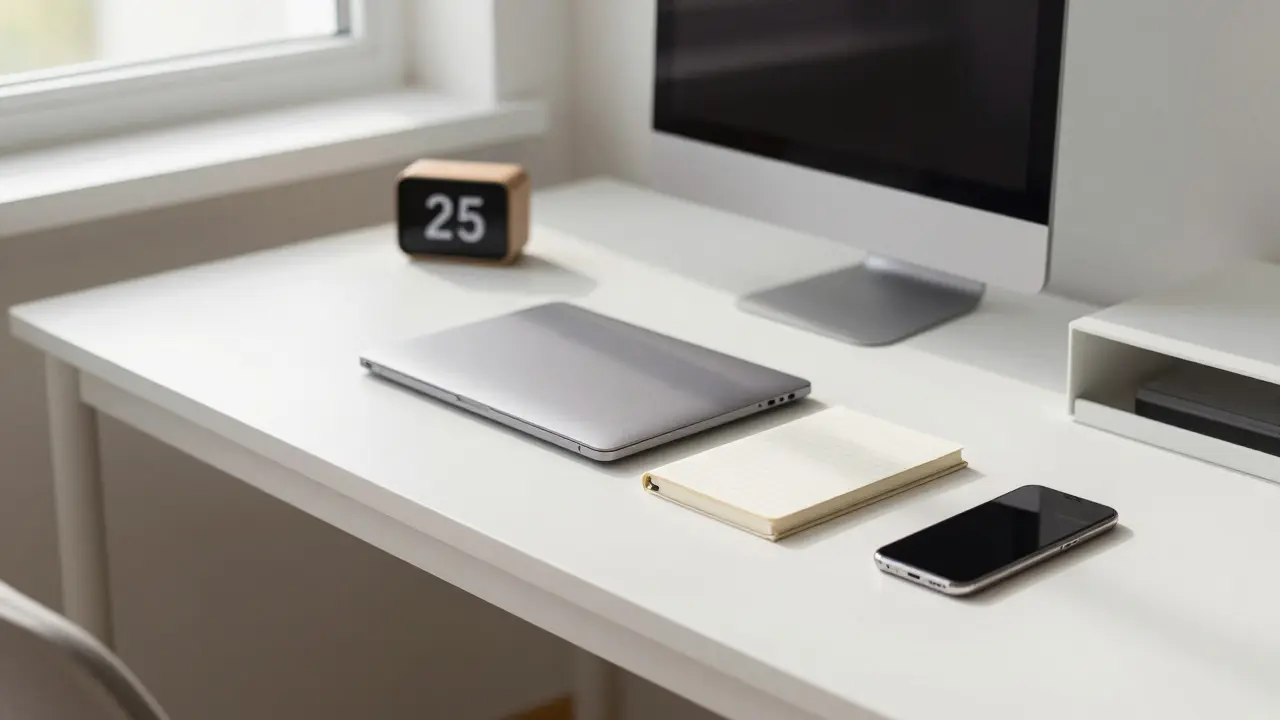
You don’t need a new room. You just need to change the context. If you live in a shared house or dorm, go to the library. The atmosphere alone-seeing others focused-creates social pressure to stay on task. If you must study at home, clear your desk. Remove everything except your laptop, notebook, and pen. No coffee cup, no phone, no random papers. Visual clutter competes for your attention just as much as digital clutter does.
Also, consider lighting. Natural light is best, but if you’re studying in the evening, avoid blue-light-heavy screens if possible. Warm, dim lighting can help signal to your brain that it’s time to wind down after your session, rather than stimulating further alertness.
Common Pitfalls and How to Avoid Them
Even with the best plans, things go wrong. Here are the most common traps UK students fall into and how to navigate them.
The "Just One More Check" Trap: This happens when you think, "I'll just see if anyone replied." That one check becomes five minutes of scrolling. Solution: Batch your checks. Decide that you will only check messages at 10 AM, 1 PM, and 6 PM. Outside those times, your phone is silent and face down.
Over-Reliance on Apps: There are hundreds of productivity apps. Don’t spend more time configuring them than using them. Pick one method (like Pomodoro or Time-Boxing) and stick to it for two weeks. Changing systems constantly prevents you from building the habit.
Ignoring Physical Needs: Sometimes, you’re not distracted by your phone; you’re just tired or hungry. Your brain seeks quick dopamine hits (like social media) when it’s under-fueled. Drink water, eat proper meals, and sleep 7-9 hours. A rested brain has significantly higher self-control capabilities.
Building Long-Term Habits
Changing how you interact with your phone won’t happen overnight. Expect resistance. You will feel bored. You will feel anxious. That’s normal. Boredom is a precursor to creativity and deep thought. Allow yourself to be uncomfortable for a few days.
Track your progress. Use a simple calendar. Mark an 'X' for every day you stick to your phone limits. Don’t break the chain. This visual representation provides a sense of accomplishment that counters the immediate gratification of scrolling.
Finally, be kind to yourself. If you slip up and lose an hour to Instagram, don’t spiral into guilt. Guilt leads to procrastination, which leads to more distraction. Just reset. Start the next Pomodoro cycle. The goal is improvement, not perfection.
Frequently Asked Questions
Is it better to delete social media apps entirely?
For most students, deletion is too extreme and unsustainable. It creates anxiety about missing out on important updates. Instead, use app blockers or move icons to the last page of your home screen. Friction is usually more effective than total removal for maintaining a balanced life.
How many hours a day should I limit my phone usage to?
There is no single magic number, but research suggests keeping recreational screen time under 2 hours per day helps maintain focus. Essential communication (calls, texts) shouldn't count towards this limit. Focus on the quality of engagement rather than just the quantity of time.
What if my group chat is always active and distracting?
Turn off notifications for the group chat. Agree with your peers that urgent matters will be flagged with a specific keyword (like "URGENT"). Otherwise, check the chat only during your designated social media windows. This prevents the constant pinging from breaking your concentration.
Do noise-cancelling headphones help with digital distractions?
Yes, they help with auditory distractions, but they don't solve visual ones. However, wearing them can act as a social signal to others that you are busy. Pair them with instrumental music or white noise to create a consistent auditory environment that cues your brain into focus mode.
How long does it take to retrain my brain to focus without a phone?
Most people notice significant improvements in sustained attention within 2 to 3 weeks of consistent practice. The first few days are the hardest due to withdrawal symptoms. Stick with the routine for at least 21 days to allow new neural pathways to form.