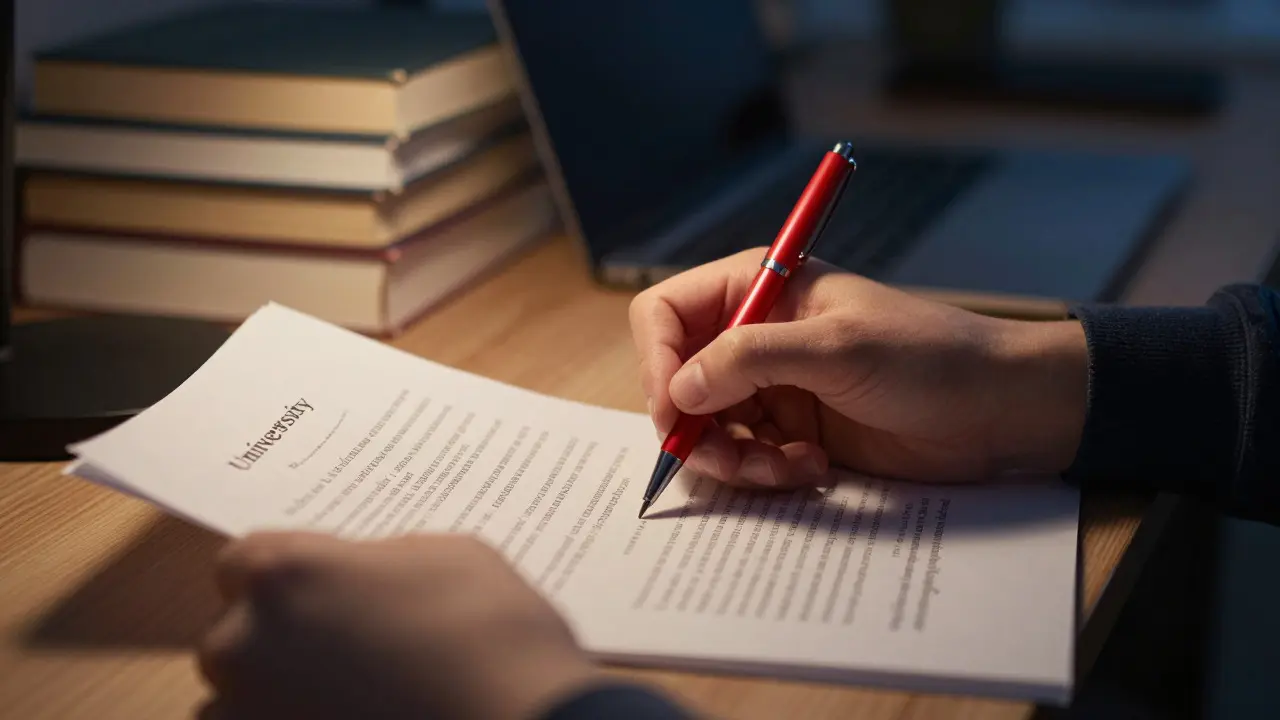
You’ve written the draft. The arguments are solid, the research is there, but something feels off. Maybe a sentence is clunky, or you’re not sure if that comma belongs. This is where proofreading is the final stage of editing focused on correcting surface-level errors like spelling, grammar, punctuation, and formatting to ensure professional presentation. It’s not about rewriting your ideas; it’s about polishing them so the reader can focus on your argument without getting tripped up by typos or awkward phrasing.
Most students treat proofreading as an afterthought, skimming through their work in ten minutes before hitting submit. That approach rarely works. Your brain automatically fills in missing words and corrects mistakes because you already know what you meant to say. To catch real errors, you need systematic techniques that force your brain to see the text with fresh eyes.
Why Standard Proofreading Fails Students
The biggest hurdle isn’t lack of knowledge; it’s cognitive bias. When you read your own work, you’re reading the idea in your head, not the words on the page. If you typed "teh" instead of "the," your brain reads it as "the" because the context makes sense. This phenomenon is known as semantic satiation is a psychological effect where repeating a word or reading familiar text causes the meaning to temporarily disappear, making it harder to detect errors. Essentially, you become blind to your own mistakes because you understand the intent too well.
Additionally, fatigue plays a massive role. By the time you finish drafting, your mental energy is low. Trying to find subtle grammatical errors when you’re exhausted is like trying to find a needle in a haystack while wearing sunglasses. You need specific strategies to bypass these mental shortcuts.
The Multi-Pass Method: Breaking Down the Process
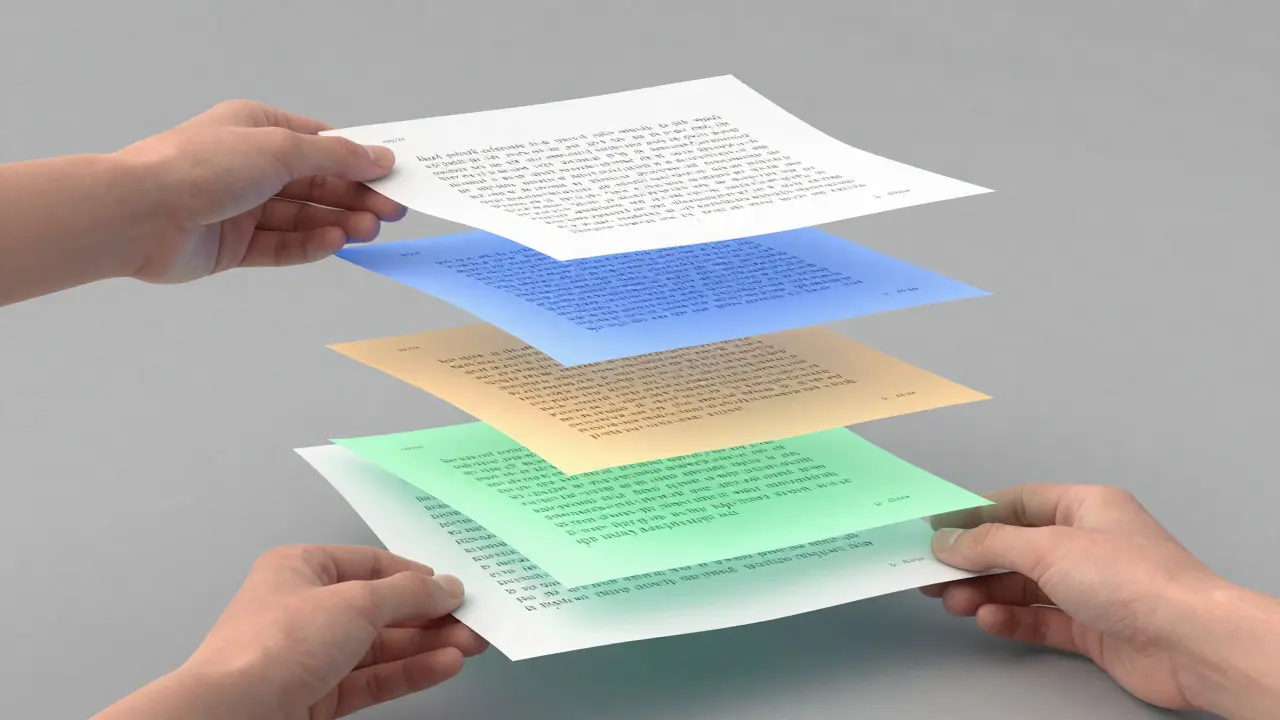
Instead of one giant, stressful pass through the entire essay, break the process into smaller, manageable chunks. Each pass focuses on a specific type of error. This prevents overwhelm and ensures nothing slips through the cracks.
- Pass 1: Spelling and Typos. Use spell-check, but don’t trust it blindly. Spell-checkers miss homophones (like "their" vs. "there") and context errors. Read every single word slowly. Look for double spaces, repeated words ("the the"), and accidental deletions.
- Pass 2: Grammar and Syntax. Focus on subject-verb agreement, tense consistency, and sentence structure. Are your sentences clear? Do they follow standard English rules? Check for run-on sentences or fragments.
- Pass 3: Punctuation and Formatting. This is often the most overlooked area. Check commas, semicolons, apostrophes, and quotation marks. Ensure your citation style (APA, MLA, Chicago) is consistent throughout the document, including in-text citations and the reference list.
- Pass 4: Flow and Clarity. Read the essay aloud. This is the most effective technique for catching awkward phrasing. If you stumble over a sentence, the reader will too. Listen for repetitive words or transitions that feel forced.
Physical and Digital Tools for Better Detection
Your environment matters. Changing how you interact with the text can trick your brain into seeing it differently.
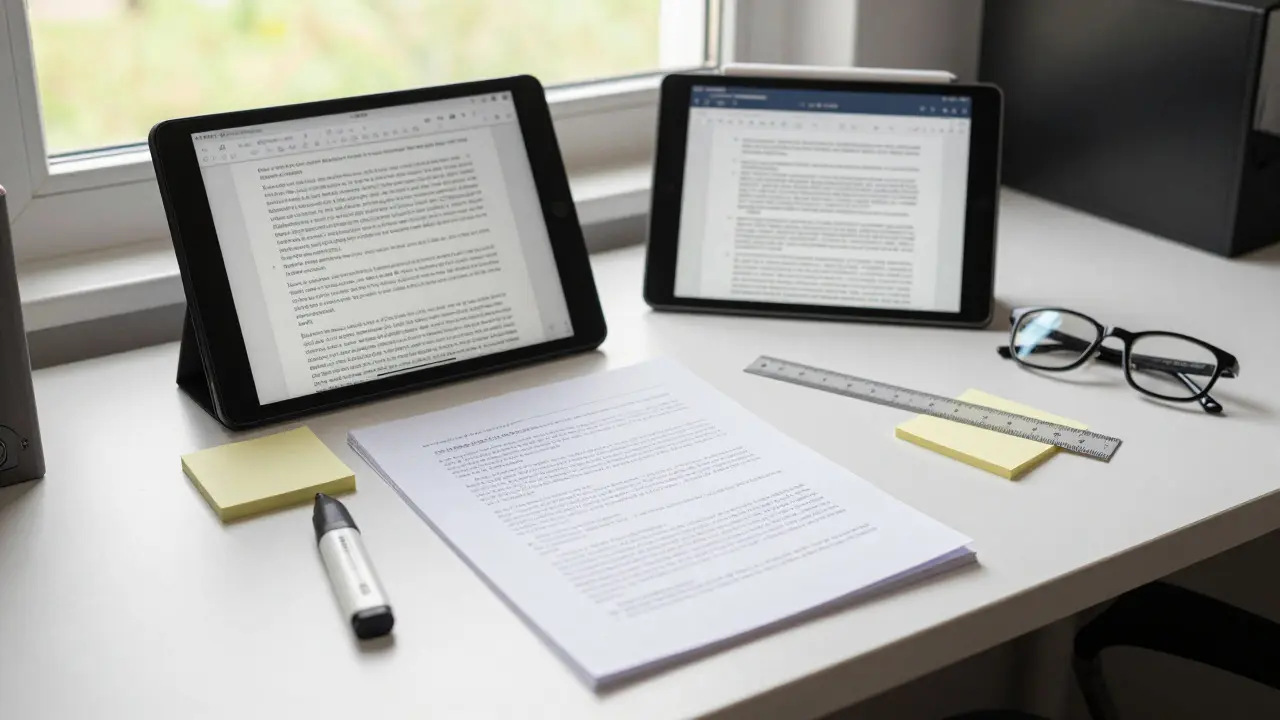
- Change the Font or Size: Switch from Times New Roman to Arial, or change the font size from 12pt to 10pt. This visual shift breaks the pattern recognition that allows your brain to skip over errors.
- Print It Out: There is something about ink on paper that engages different parts of the brain than staring at a screen. Many students report finding more errors on a printed copy than on a digital one.
- Use Text-to-Speech: Let your computer read the essay back to you. Since you’re listening rather than reading, you have to pay closer attention to the actual words being spoken. This highlights missing words or awkward rhythms instantly.
- Read Backwards: For the spelling check, start at the end of the paragraph and read line by line backwards. This forces you to focus on individual words rather than the overall meaning, making typos jump out at you.
Focusing on Clarity and Academic Tone
Proofreading isn’t just about fixing mistakes; it’s about ensuring your message is clear. In academic writing, clarity is king. Vague language weakens your argument.
Look for words that do too much work. Instead of saying "The results were interesting," specify what was interesting. Was it statistically significant? Did it contradict previous studies? Be precise. Also, watch out for passive voice. While sometimes necessary in science, overusing it makes your writing dull and hard to follow. Active voice is generally stronger and clearer: "We conducted the experiment" is better than "The experiment was conducted."
Check your transitions. Do your paragraphs flow logically from one to the next? Use signpost words like "however," "consequently," or "in contrast" to guide the reader. If you remove a transition and the logic still holds, you might not need it. If the logic falls apart, you need a stronger connector.
Common Pitfalls to Avoid
Even experienced writers make these mistakes. Keep an eye out for them during your review passes.
| Error Type | Example | Fix Strategy |
|---|---|---|
| Homophones | "Their going to the store." | Context check: Who owns what? Who is acting? |
| Comma Splices | "I went home, I slept." | Use a period, semicolon, or conjunction (and, but). |
| Tense Shifts | "The study shows... previously showed..." | Maintain consistent tense within sections unless indicating time change. |
| Citation Mismatches | In-text citation says (Smith, 2020), reference list says Smith, J. (2021). | Cross-reference every in-text citation with the bibliography. |
Another major pitfall is citation formatting is the standardized way of crediting sources in academic work, varying by style guides like APA, MLA, or Chicago. Professors deduct points for inconsistent formatting even if the content is perfect. Dedicate one full pass solely to checking citations against your required style guide. If you use a tool like Zotero or EndNote, export the bibliography and manually verify the format, as software can sometimes glitch with special characters or titles.
When to Stop Editing
Perfectionism is the enemy of completion. At some point, you have to stop looking for errors that aren’t there. Set a deadline for your proofreading session. Once the clock runs out, submit the work. If you keep changing things, you risk introducing new errors while fixing old ones.
A good rule of thumb: if you haven’t found any new errors in two consecutive passes, you’re done. Your brain has likely caught everything it can at this stage. Trust the process.
Building a Personal Checklist
Everyone has their own quirks. Do you always forget capitalization after abbreviations? Do you struggle with semicolons? Create a personal checklist based on your past feedback. Review your last three graded papers and note the types of comments your professor made. Add those specific issues to your pre-submission checklist.
This personalized approach is far more effective than generic advice. If you consistently mix up "its" and "it's," put a sticky note on your monitor that says "POSSESSIVE OR CONTRACTION?" until it becomes second nature.
FAQ
How long should I wait between finishing my draft and proofreading?
Ideally, wait at least 24 hours. This distance helps your brain detach from the initial creative process, allowing you to view the text objectively. If you’re short on time, try to wait at least a few hours and take a physical break (walk, shower, nap) to reset your mental state.
Is it better to proofread on a computer or paper?
Both have merits. Paper is excellent for spotting visual errors and typos because it removes screen glare and scrolling distractions. Computers are better for checking formatting, spacing, and using built-in tools. A hybrid approach-proofreading on paper first, then doing a final check on the computer-is often the most effective strategy.
What is the difference between editing and proofreading?
Editing focuses on structure, argument, and content. You ask: "Does this make sense? Is the argument strong?" Proofreading focuses on surface-level mechanics: spelling, grammar, punctuation, and formatting. You ask: "Is this technically correct?" Always edit before you proofread.
Should I use AI tools for proofreading?
Yes, but with caution. AI tools like Grammarly or Hemingway can catch obvious errors and suggest style improvements. However, they don’t understand context or nuance. They might suggest changing a technical term to a simpler one, which could hurt your academic tone. Use AI as a first-pass filter, but always verify changes yourself.
How do I handle citation errors efficiently?
Create a separate document listing all your sources with their full details. As you write, copy-paste citations directly from this master list into your essay. Before submitting, compare your in-text citations against this list one by one. This eliminates manual typing errors and ensures consistency.