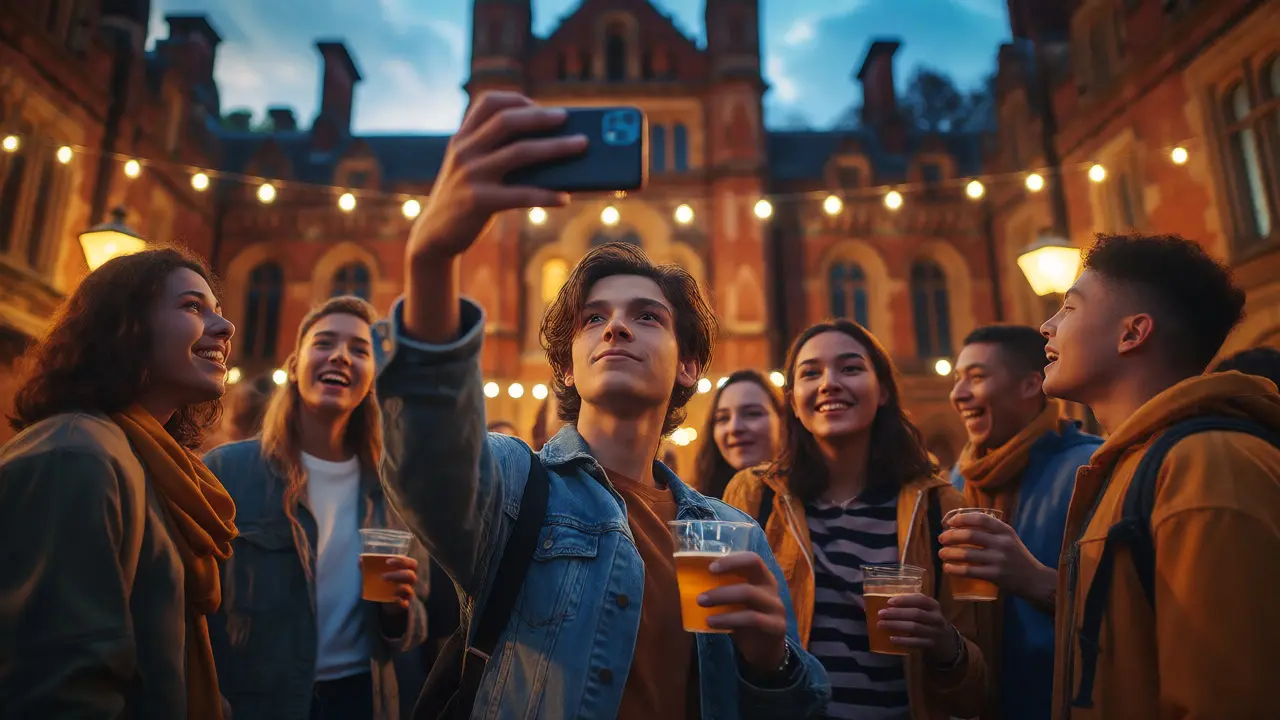
You just landed in Manchester or London, excited about freshers' week, new friends, and the freedom of university life. But before you post that first blurry photo from the union bar, pause. For UK students, social media isn't just a pastime; it's a public record that follows you into job interviews, housing applications, and future relationships. The line between "fun" and "regrettable" is thinner than you think, especially when your future employer is Googling your name while you're still trying to figure out where lecture hall B is.
It’s not about deleting Instagram or pretending you don’t exist online. It’s about strategy. You need to manage three distinct pressures at once: protecting your private data, curating a professional image, and keeping your mental sanity intact. If you ignore any one of these, you’ll feel the pinch later. Let’s break down how to handle this without becoming a hermit.
The Digital Footprint That Never Sleeps
Think of your digital footprint as a permanent tattoo made of pixels. Unlike a night out, which fades by Monday morning, your online history sticks around. Recruiters in the UK are increasingly using tools to scan candidates' social profiles. According to recent surveys by the Association of Graduate Recruiters, nearly half of employers check social media before making hiring decisions. They aren't looking for party pics specifically; they’re looking for red flags like discriminatory comments, poor communication skills, or evidence of unreliability.
But it’s not just recruiters. Landlords in competitive cities like London or Bristol often check potential tenants’ online presence to gauge responsibility. A profile filled with chaotic, unmoderated content might signal to a landlord that you’re messy or disruptive. Conversely, a well-managed profile can show personality without oversharing. The key is separation. You don’t need to be boring, but you do need to be intentional. Ask yourself: if my grandmother saw this, would she worry? If my boss saw this, would they hesitate?
Privacy Settings Are Your Best Friend (Use Them)
Most students default to public accounts because they want followers. But on platforms like Instagram and TikTok, privacy settings are powerful tools you likely haven’t tweaked since high school. Start by locking down your location tags. Posting in real-time with precise geolocation tells strangers exactly where you live and study. Wait until you’ve left the venue before posting stories. This small delay prevents people from knowing your exact routine.
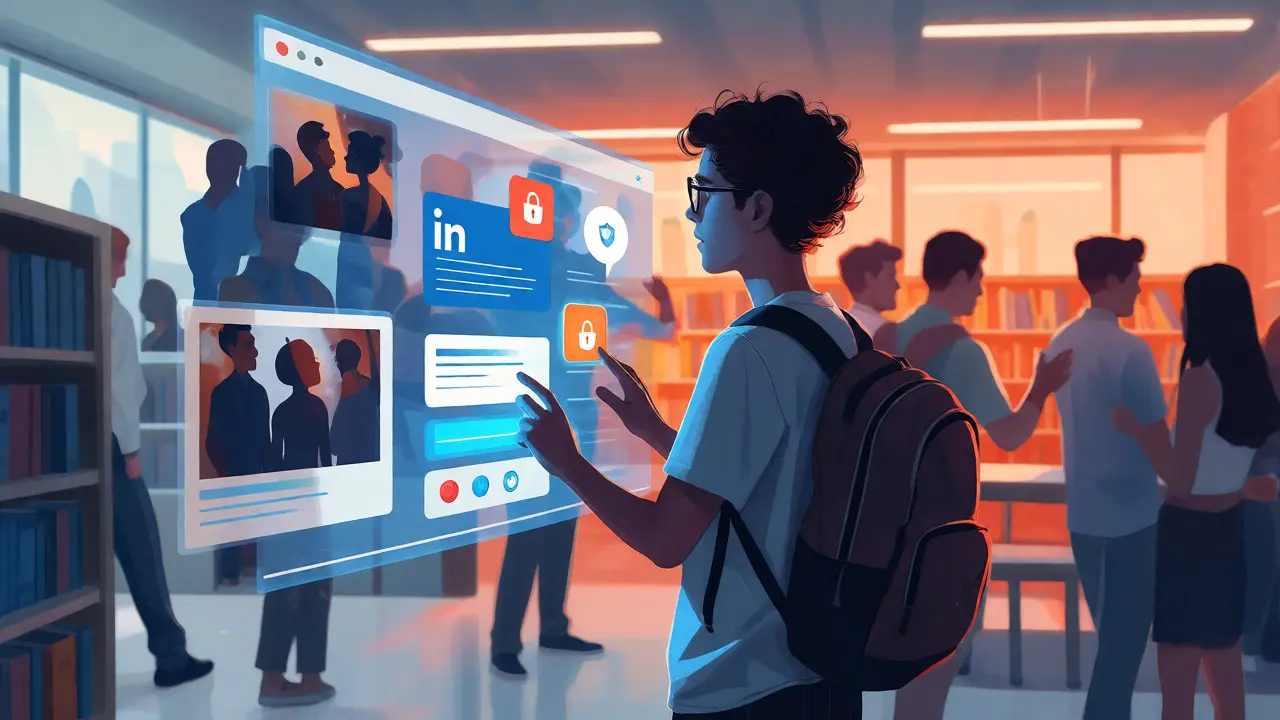
Check who can see your friend list. On Facebook, this is often public by default, revealing your entire social circle. Limit this to "Friends Only." On LinkedIn, ensure your activity notifications are off if you’re applying for jobs, so connections don’t get spammed every time you like a meme. Also, review your tagged photos. You can’t control what others post, but you can approve tags before they appear on your timeline. Enable "Tag Review" on Instagram and Facebook immediately. It takes ten seconds to reject a bad tag and saves hours of cleaning up later.
| Platform | Critical Setting | Why It Matters |
|---|---|---|
| Private Account + Tag Approval | Controls visibility of personal moments and prevents unwanted associations. | |
| Limit Past Posts Visibility | Hides old embarrassing posts from new friends or employers. | |
| Profile Visibility: Public | Ensures recruiters find you, but keep activity sharing off. | |
| TikTok | Who Can Duet/Stitch | Prevents strangers from reacting to or remixing your content unexpectedly. |
Curating Your Professional Brand Early
You might think branding starts when you graduate. Wrong. It starts now. Your online reputation is your personal brand. You don’t need to post corporate headshots, but you should have one platform dedicated to your professional self. LinkedIn is the standard here. Keep it updated with your course details, part-time jobs, and volunteer work. Use a clear, friendly photo-not a cropped festival shot.
For creative fields like journalism, design, or marketing, your portfolio matters more than your CV. Use a clean website or a curated Behance account. Even if you’re studying law or engineering, showing engagement in relevant groups or articles demonstrates interest. Avoid polarizing political rants on your main public feed unless you’re actively building a niche personal brand around activism. For most students, neutrality is safer. Share articles related to your field, comment thoughtfully on industry news, and connect with alumni from your university. These small actions build a network that feels organic, not desperate.
Mental Health and the Comparison Trap
Let’s be honest: scrolling through feeds makes everyone else look happier, richer, and more socially successful. This is the comparison trap, a psychological phenomenon where individuals measure their worth against idealized images of others. For UK students facing tuition fees, living costs, and academic pressure, this can exacerbate anxiety and feelings of inadequacy. Studies published in journals like *Computers in Human Behavior* link heavy social media use with increased rates of depression and loneliness among young adults.
The fix isn’t quitting cold turkey-that rarely works. Instead, practice active curation. Unfollow accounts that make you feel inadequate. Follow accounts that educate, inspire, or genuinely entertain. Set daily limits using built-in screen time tools. Try a "no-phone zone" during meals or before bed. Blue light disrupts sleep cycles, and poor sleep tanks your academic performance. If you find yourself checking likes within minutes of posting, ask why. Are you seeking validation? External approval is fleeting; internal satisfaction lasts longer. Disconnect to reconnect with the physical world-go for a walk, join a society, or just sit in the library without headphones.
Handling Online Conflict and Trolling
University forums and group chats can get heated. Whether it’s a debate about politics on Twitter or a dispute over group project roles in WhatsApp, conflicts escalate quickly online because tone is lost. Remember the golden rule: never argue with a stranger. If someone is being aggressive, block and report. Don’t feed the trolls. Engaging only prolongs the interaction and drains your energy.
For persistent harassment, document everything. Take screenshots with timestamps. Most UK universities have strict codes of conduct regarding cyberbullying. Report incidents to your student union or welfare office. They can mediate or take disciplinary action if the harasser is another student. In severe cases involving threats, involve local police. Keeping calm and documented protects you legally and emotionally. Don’t let a five-minute online argument ruin your week.

Practical Steps for a Balanced Digital Life
Balancing social media with studies requires discipline, not deprivation. Here is a simple framework to keep things manageable:
- Audit your apps: Delete apps you don’t use. Keep only those that serve a purpose (connection, information, or entertainment).
- Schedule posting times: Post during peak hours for your audience, then close the app. Don’t refresh endlessly.
- Use separate devices if possible: If you have a tablet for leisure and a laptop for work/study, keep them physically separate to create mental boundaries.
- Weekly detox: Pick one day a week (e.g., Sunday) to stay offline after 6 PM. Use this time for rest or face-to-face socializing.
- Review regularly: Every semester, check your privacy settings again. Platforms update features frequently, and defaults often reset.
This approach keeps you connected without letting algorithms dictate your mood. It’s about agency. You choose when to engage, not the notification badge.
Frequently Asked Questions
Should I delete my old social media accounts?
Not necessarily. Deleting accounts removes the data trail, but it also erases your history. A better strategy is to archive old posts or adjust privacy settings to hide pre-university content. If an account has nothing valuable and poses a risk, deactivate it rather than permanently deleting it, just in case you change your mind.
How does social media affect job prospects in the UK?
Recruiters often search candidates' names before interviews. They look for professionalism, cultural fit, and any controversial statements. A positive, professional online presence can enhance your application, while inappropriate content can lead to rejection even if your grades are excellent. Always assume your profile is public.
Is it okay to use social media for studying?
Yes, platforms like TikTok and YouTube offer educational content, and study communities on Discord or Reddit can provide support. However, beware of passive consumption. Watching a study vlog isn't the same as doing the work. Use these platforms for motivation and resource discovery, but prioritize active learning methods.
What if I've already posted something embarrassing?
Don't panic. Most people forget online content quickly. You can delete the post, or if it was shared widely, consider adding a newer, more professional layer to your online identity. Consistency over time helps bury older, less favorable impressions. If it's truly problematic, consult your university's careers service for advice on damage control.
How can I protect my location privacy?
Turn off GPS tagging for social media apps in your phone's settings. Manually add locations only when necessary, and avoid tagging your home address. Be cautious with live streams, as they reveal your current environment in real-time. Delay posting stories until you've moved to a different location.