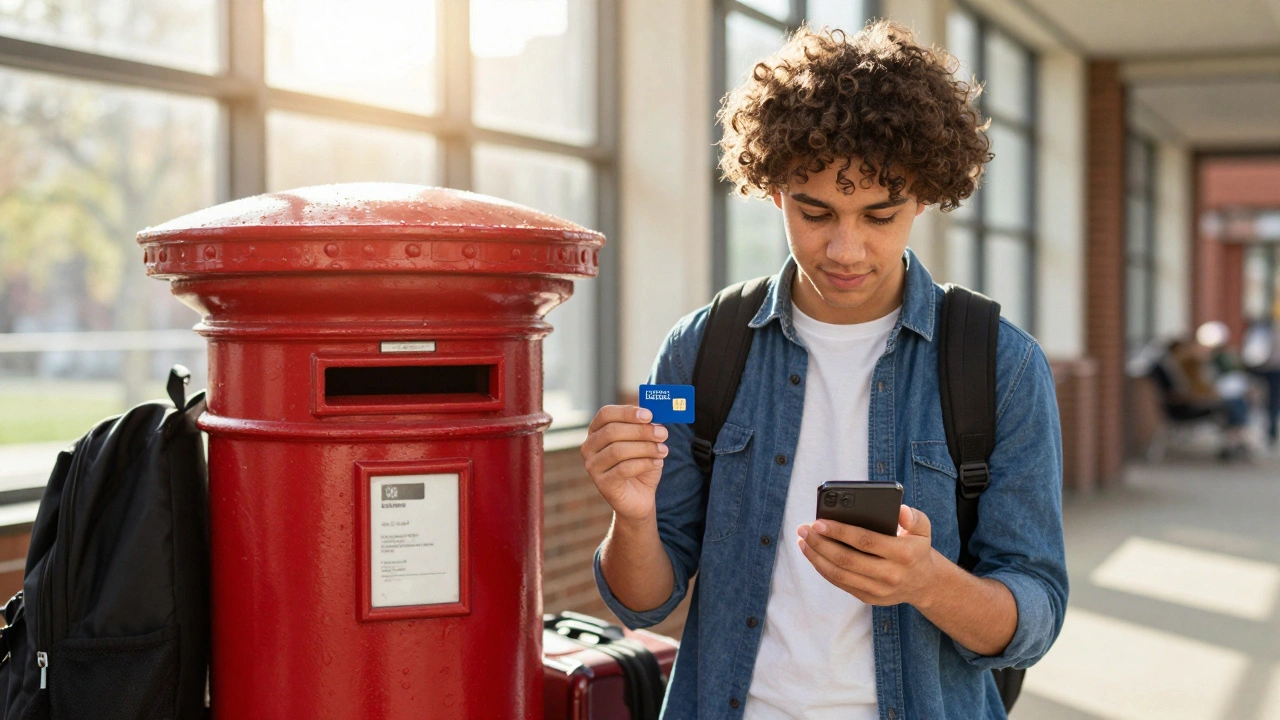
When you land in the UK as an international student, one of the first things you’ll need isn’t your textbooks or your winter coat-it’s a working phone. Not just any phone plan, but one that lets you call home without draining your savings, gives you enough data to stream lectures or video call your family, and doesn’t lock you into a year-long contract you didn’t ask for. The good news? There are smart, affordable options out there. The bad news? Most providers make it confusing on purpose.
What You Actually Need
You’re not a corporate client. You don’t need unlimited HD streaming or 5G in every alleyway. You need:
- Low-cost calls to your home country (especially if it’s India, Nigeria, Pakistan, or the Philippines-those are the top destinations for UK students)
- At least 10GB of data per month for Zoom calls, WhatsApp, and downloading lecture slides
- A SIM card that works right away-no waiting weeks for delivery
- No credit check or UK bank account
- A plan you can cancel anytime, month to month
Most major UK networks like EE, O2, Vodafone, and Three won’t even let you sign up without proof of address or a UK credit history. That leaves you with two real options: MVNOs (Mobile Virtual Network Operators) and prepaid SIMs.
Who Actually Serves Students
These are the three providers most international students use in 2026-and why:
- Lebara: Known for cheap international calls. Their £10/month plan gives you 10GB data, unlimited UK calls, and 1,000 minutes to India, Nigeria, Pakistan, Bangladesh, and the Philippines. Calls to the US and Canada are 1p per minute. No contract. You can buy the SIM online before you arrive.
- LycaMobile: Similar to Lebara, but better for calling the Americas. Their £12 plan includes 15GB data and 1,000 minutes to the US, Canada, Australia, and Brazil. They also offer free WhatsApp calling within their app. No ID needed to buy the SIM in-store.
- Giffgaff: A community-run network on O2’s infrastructure. Their £10/month Goodybag gives you 20GB data, unlimited UK calls, and 100 minutes to 75 countries-including China, Brazil, and South Africa. You pay upfront, no credit check, and you can top up anytime. Their app even lets you earn free credit by helping other users.
These aren’t gimmicks. Lebara and LycaMobile have been around since the early 2000s. Giffgaff was launched by O2 in 2012 specifically to target budget-conscious users. All three work with standard UK SIM sizes (nano-SIM), so you can pop one into any unlocked phone.
How to Buy a SIM Before You Arrive
You don’t need to wait until you land to get connected. Here’s how to do it before you fly:
- Check if your phone is unlocked. If it’s from Verizon, AT&T, or Sprint in the US, it might be locked. Call your provider and ask for an unlock code. Most will do it for free after 60 days.
- Order a SIM from Lebara, LycaMobile, or Giffgaff’s website. They ship internationally. Lebara ships to over 80 countries.
- Use your university address as the delivery point. Most campuses have mailrooms that accept packages.
- Once you land, insert the SIM, turn on data roaming (just for setup), and follow the activation text.
- Within 10 minutes, you’ll have a UK number and data.
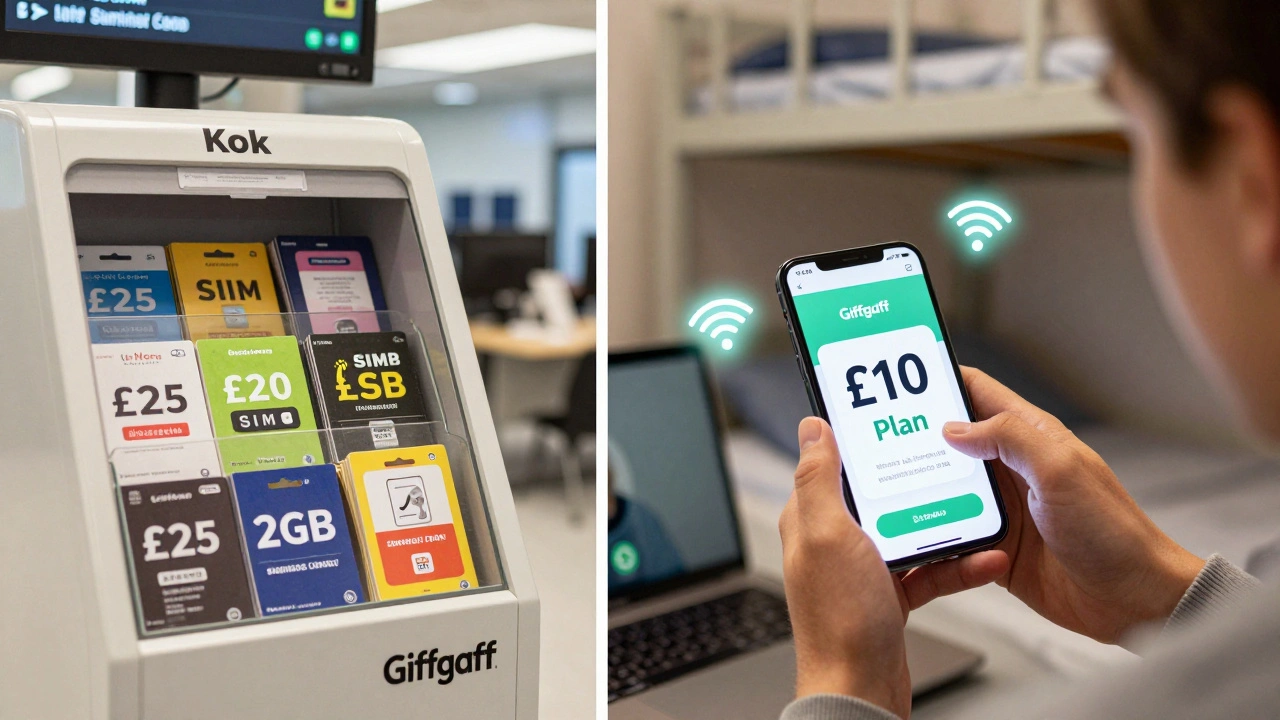
Pro tip: Don’t buy a SIM at the airport. The prices are 3x higher, and the data limits are tiny. A £10 plan at the airport might give you 2GB. You’ll pay £25 for the same 15GB on Lebara.
What to Avoid
There are traps everywhere. Here’s what to skip:
- Pay-as-you-go plans with £1/day rates: They sound cheap until you realize you’re paying £30 just to use your phone for a week. Data costs 50p per MB. That’s £15 for 30GB-way more than a monthly plan.
- Contracts from EE or Vodafone: They’ll ask for proof of income, a UK bank account, and a credit history. Most students don’t have any of that. Even if you fake it, you’ll get stuck with a £30/month bill for 24 months.
- Roaming with your home carrier: If you’re using your US T-Mobile or Verizon plan in the UK, you’re paying £5 per MB. That’s £150 for 30GB. Don’t do it.
- Free SIMs from universities: Some schools offer “free” SIMs. They’re usually tied to O2 or Three with hidden data caps or no international minutes. Read the fine print.
How to Save Even More
Here are three real ways students cut their phone bills in half:
- Use WhatsApp and Zoom for calls: As long as you have data, calling home costs nothing. Most students use WhatsApp for video calls and group chats. No one uses traditional phone calls anymore.
- Switch to Wi-Fi-only on campus: Most UK universities offer free, high-speed Wi-Fi in dorms, libraries, and lecture halls. Use it. Download lectures, watch videos, and stream music over Wi-Fi to save data.
- Buy data top-ups in bulk: Giffgaff lets you buy 3 months of a £10 plan for £27 instead of £30. That’s 10% off. Lebara offers 3-month discounts too. Pay upfront, save money.
Real Example: Maria’s Monthly Bill
Maria, a student from Brazil studying in Manchester, used to pay £42/month with her US carrier. She switched to Lebara:
- £10/month for 10GB data + unlimited UK calls
- 500 free minutes to Brazil (she calls her mom every Sunday)
- Free WhatsApp calls to her cousin in Portugal
- She topped up with a £5 data bundle when she traveled to London-only used 2GB
Her total monthly spend? £10.50. That’s £315 less per year.
What If You Need More Data?
Some courses require heavy data use-online labs, video editing, or research downloads. If you need more than 20GB:
- Upgrade to Giffgaff’s £15 plan (50GB data)
- Use public Wi-Fi at libraries and cafes
- Ask your university if they offer free hotspot lending
- Buy a portable Wi-Fi router (like the Huawei E5577) and share the connection with roommates
Portable routers cost £30-£50 upfront but pay for themselves in 2 months if you split the cost with three people.
Final Checklist Before You Buy
Before you click ‘buy’, ask yourself:
- Is my phone unlocked?
- Does this plan include calls to my home country?
- Is the data enough for my weekly usage? (10GB is the minimum)
- Can I buy this without a UK bank account?
- Can I cancel anytime, or am I locked in?
- Will I get a UK number? (Some plans give you a non-UK number-avoid those)
If you answered yes to all five, you’re good to go.
Can I use my US phone in the UK?
Yes, as long as it’s unlocked and supports UK frequencies. Most modern iPhones and Android phones (iPhone 8 and newer, Samsung Galaxy S9 and newer) work fine. Check if your phone supports 4G LTE bands 3, 7, 20, and 28-these are used by UK networks. If you’re unsure, look up your phone model on GSMArena.com.
Do I need a UK address to get a SIM card?
No. Lebara, LycaMobile, and Giffgaff don’t require a UK address to buy online. You can use your university’s mail address. If you buy in-store (like at Tesco or a phone shop), they might ask for ID, but not proof of address. Bring your passport and student visa.
Which provider has the best coverage in rural areas?
Giffgaff uses O2’s network, which has the best rural coverage in the UK. Lebara and LycaMobile use Vodafone’s network, which is strong in cities but spotty in the countryside. If you’re studying in Scotland, Wales, or the Lake District, choose Giffgaff.
Can I keep my US number while using a UK SIM?
Not easily. You can use apps like Google Voice or Skype to keep your US number active, but you’ll need Wi-Fi or data to receive calls. Most students just switch to their UK number for daily use and use WhatsApp to stay in touch with people back home. It’s simpler.
Are there any hidden fees with these plans?
Lebara and LycaMobile sometimes charge £1 to activate a top-up. Giffgaff has no activation fees. All three are clear about pricing-no surprise charges. But watch out for auto-renewal. If you don’t cancel, they’ll keep charging you. Set a calendar reminder to check your plan every month.
Next Steps
Start by checking your phone’s unlock status. Then visit Lebara’s website and compare their £10 plan to Giffgaff’s £10 plan. See which one gives you more minutes to your home country. Order the SIM. By the time you land, you’ll be connected, saving money, and not stressed about your phone bill.