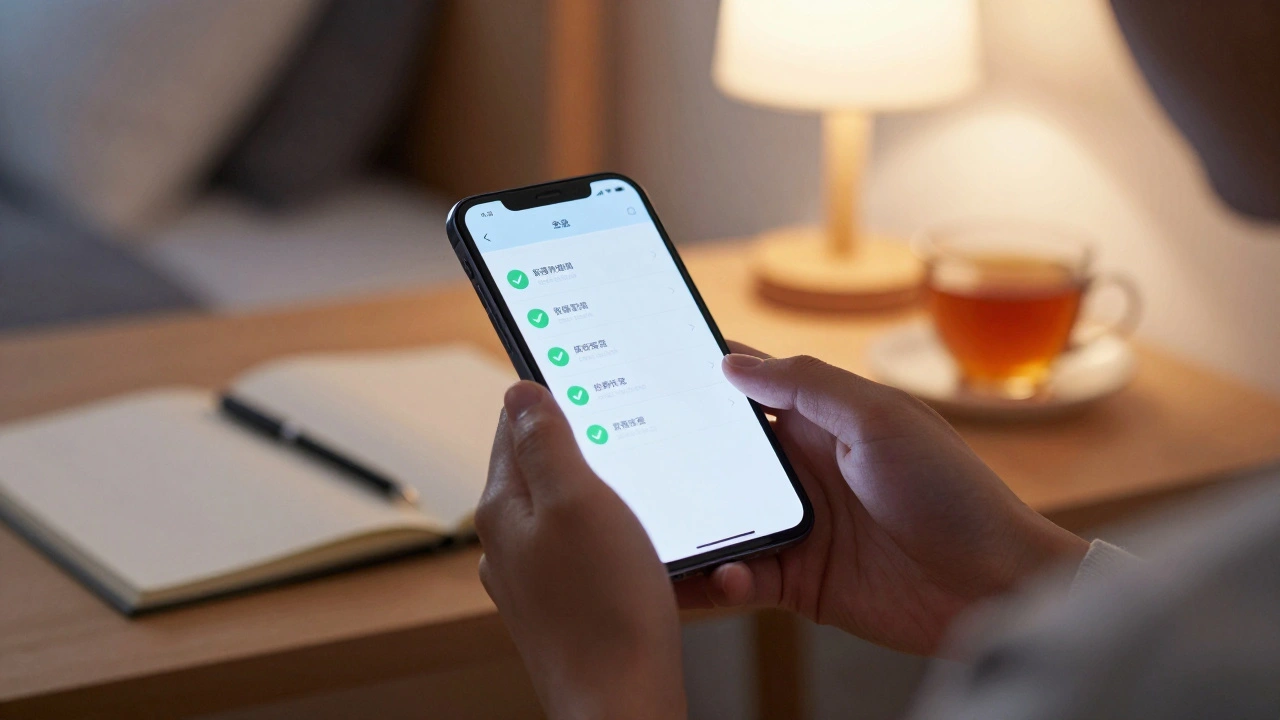
Waiting for university responses can feel like a game of nerves. You've spent months polishing your personal statement and stressing over predicted grades, only to be left staring at a login screen. The good news is that you aren't just guessing where your application stands. There is a specific system designed to keep you in the loop, and knowing how to navigate it can save you a lot of unnecessary anxiety.
Key Takeaways for Applicants
- UCAS Hub is the central dashboard where you monitor application progress and manage offers.
- Notifications are sent via email, but the Hub provides the actual detailed status updates.
- The system tracks everything from your initial submission to your final confirmation of a place.
- You can use the Hub to communicate with universities and make final decisions on your Firm and Insurance choices.
Getting Started with the Dashboard
First things first: UCAS Hub is the online portal used by students in the UK to manage their higher education applications. Once you submit your application through the UCAS (Universities and Colleges Admissions Service) system, the Hub becomes your primary command center. It isn't just a place to check a status; it's where the legal agreement between you and your chosen university is finalized.
To get in, you'll need your UCAS ID and the password you created during registration. If you've lost these, don't panic-the recovery process is straightforward, but it's best to keep them in a secure password manager. When you first log in, you'll see a summary of your five choices. If you see a green tick or a status that says "Sent," it means your application has successfully reached the admissions office of that specific institution.
Decoding Your Application Status
The Hub uses specific terminology that can be confusing if you aren't familiar with the UK admissions cycle. You won't see a simple "Yes" or "No" immediately. Instead, you'll encounter a few different stages.
If your status says "Under Consideration," the university has received your files and an admissions tutor is likely reading your personal statement. This is the longest phase of the process. Some high-demand courses, like Medicine or Law, might take longer because they have to coordinate interview slots. If you're applying to Russell Group universities, expect a high volume of applicants to slow down the response time during peak periods.
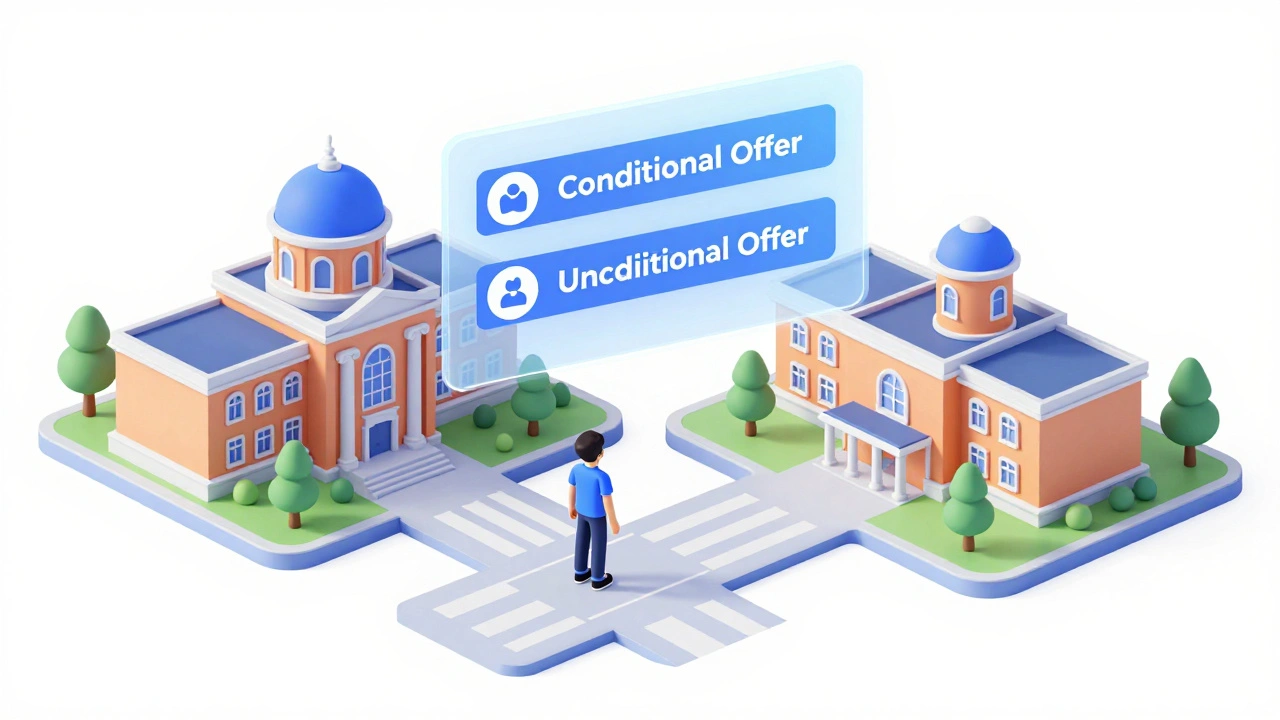
Once a decision is made, your status will change to one of the following:
| Status | What it means | Your next move |
|---|---|---|
| Conditional Offer | You're in, provided you hit specific grades. | Check the exact grades required in your offer letter. |
| Unconditional Offer | You have a place regardless of your final results. | Decide if this is your top choice. |
| Unsuccessful | The university cannot offer you a place. | Focus on your other four choices. |
Managing Your Offers and Final Choices
Tracking your application is only half the battle. The real work starts when the offers begin rolling in. You can't just accept every offer you get; the system limits you to two specific choices: a Firm choice and an Insurance choice.
Your Firm choice is your dream school-the one you'll attend if you meet the conditions. Your Insurance choice is your safety net. This is a university you're happy to attend, but which likely has lower entry requirements than your Firm choice. If you fail to meet the grades for your Firm choice, the system automatically checks if you qualify for your Insurance choice.
Inside the Hub, you'll find a "Manage my choices" section. This is where you officially commit. Be careful here-once you confirm your choices and the deadline passes, changing your mind requires a process called Self-Release, which involves asking the university to let you go. It's a bit of a headache, so make sure you're 100% certain before clicking confirm.
Dealing with the "Silence" and Timeline
One of the hardest parts of using the Hub is the silence. You might see a "Decision" update for one university while another remains "Under Consideration" for months. This is normal. Universities operate on different timelines. Some send offers as soon as they're satisfied, while others wait until they've seen a larger batch of applicants to ensure they're being fair with their quotas.
Keep an eye on the UCAS Timeline. Generally, you should receive a decision by the deadline set by UCAS (usually in March or April, depending on the cycle). If you haven't heard anything by then, you can use the Hub to send a polite inquiry to the admissions office, but avoid emailing them every week-it won't speed up the process and can actually be counterproductive.
What Happens During Clearing?
If things don't go as planned on results day, the Hub transforms into a tool for Clearing. Clearing is the process where universities fill remaining spots on their courses. If you've been released from your Firm and Insurance choices, you'll get a "Clearing Number" in your Hub.
This number is your golden ticket. When you call a university to ask for a spot in Clearing, they will ask for this ID to quickly pull up your application details. Without it, the process takes much longer. You can add new choices to your Hub during this period, but you'll need a verbal offer from the university first. Once they say "Yes" over the phone, you go back into the Hub and add them as your new choice.

Pro Tips for a Stress-Free Experience
To keep your sanity, stop refreshing the Hub every ten minutes. The system sends an automated email the second a status changes. Trust the email alerts. If you get an email saying "There is an update to your application," that's your cue to log in.
Another tip: keep a spreadsheet of your requirements. While the Hub shows your offers, having a personal list of the specific modules, campus locations, and grade requirements for each university helps you compare them more objectively than just looking at the Hub's summary page.
Why is my UCAS Hub status still 'Under Consideration' after months?
This is very common. Some universities wait until they have a full pool of applicants before making decisions, while others review applications in batches. As long as your status hasn't changed to 'Unsuccessful,' your application is still being processed. Check the specific university's website for their average response times.
Can I change my Firm and Insurance choices after I've confirmed them?
Yes, but it's not a simple button click. You must use the 'Self-Release' function in the Hub. This notifies the university that you no longer wish to take the place. Once they process this, you are free to enter new choices or enter Clearing. Note that this may affect your chances if you're trying to go back to a school that already rejected you.
What happens if I get more than two offers?
You can receive up to five offers, but you can only accept two: one Firm and one Insurance. You'll have to decline the other offers through the Hub. This is the hardest part of the process, so compare the course content and city carefully before making your final selection.
What is the difference between a conditional and unconditional offer?
A conditional offer means the university wants you, provided you achieve certain grades (e.g., AAB in A-levels). An unconditional offer means you have the place regardless of your final exam results, often because you've already met the requirements or the course has different entry criteria.
Do I need my UCAS ID to enter Clearing?
Yes, you absolutely do. Your UCAS ID and your specific Clearing Number (which appears in the Hub on results day) are essential. Universities use these to find your application in their system instantly. Without them, they can't process your request for a spot quickly.
Next Steps and Troubleshooting
If you're having trouble logging in, check if your browser cache is interfering with the Hub's session management. Clearing your cookies often fixes the common "Incorrect Login" error when the password is actually correct. If you're an international student, remember that your timeline might differ slightly based on your qualification system (e.g., IB or AP exams).
If you've received an offer but the Hub hasn't updated yet, give it 24 to 48 hours. Sometimes there is a lag between the university's internal system and the UCAS centralized server. If a week passes and you have an email offer but no Hub update, contact the university's admissions office to ensure they've triggered the update in the system.