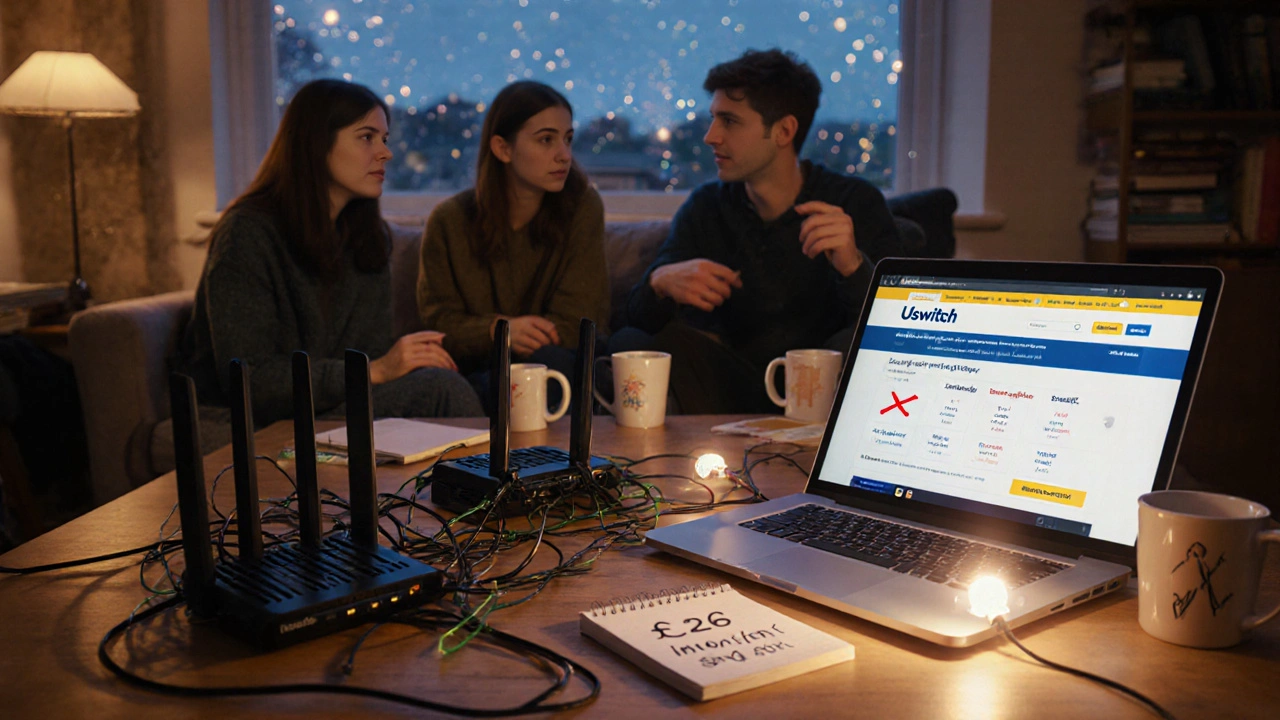
Why UK student housing bills cost more than you think
Most UK student accommodation packages include internet and phone services - but that doesn’t mean you’re getting a good deal. In fact, many landlords bundle services at inflated prices, locking students into contracts with slow speeds and no flexibility. You might be paying £25 a month for broadband that barely loads a webpage, or paying extra for a landline you never use. It’s not just about what’s included - it’s about what you’re overpaying for.
A 2024 survey by Student Union UK found that 68% of students in university-managed housing paid more for their internet than they would have if they’d chosen their own provider. The average monthly bill for bundled services was £28.50. Meanwhile, students who shopped around paid an average of £14.20 - nearly half the price.
What’s actually in your bill?
Landlords often bundle internet, phone, and sometimes even TV into one fee. But here’s the catch: you might not even need all of it. Many student flats come with a single router shared across 6-8 rooms. That means you’re paying for bandwidth you don’t control, and you’re stuck with whatever speed the landlord picked - usually the cheapest option.
Phone services are even more misleading. Landlords sometimes include a landline, but most students use their mobile phones. That landline? It’s just extra cost. And if your flat has a shared phone line, you’re also paying for calls made by others.
Check your tenancy agreement. Look for line items like:
- Internet access (speed in Mbps)
- Phone line rental
- Unlimited calls (to landlines? mobiles?)
- TV package (Freeview? Sky?)
- Monthly service fee
If any of these are included without clear specs, ask for details. If they’re not clearly listed, assume you’re paying for something you don’t use.
How to compare your current bill with better deals
Start by checking what’s actually available in your area. Internet speed and pricing vary wildly even within the same city. A student in Manchester might pay £12 for 100Mbps, while someone in Edinburgh pays £22 for 50Mbps - same provider, different location.
Use free comparison tools like Uswitch or MoneySuperMarket. Filter for:
- Student deals
- 12-month contracts (match your tenancy)
- No deposit required
- Speeds over 50Mbps
Don’t just look at the monthly price. Check:
- Setup fees - some providers charge £30-£50 upfront
- Fair usage policies - is there a data cap?
- Customer service ratings - you’ll need help when the Wi-Fi dies at 2 a.m. before an exam
For example, in 2025, Virgin Media’s student plan offers 100Mbps for £13/month with no setup fee and no contract beyond your tenancy. Compare that to your current £28 bill - you’re saving £15 a month. That’s £180 a year.
Splitting costs with flatmates: how to do it fairly
If you’re switching to your own provider, you’ll need to coordinate with your flatmates. The key is to split the bill evenly - not by room size, but by usage. Most students use the internet the same amount: streaming, Zoom calls, gaming, homework.
Here’s a simple system:
- Choose one provider and one plan that works for everyone
- Set up one account under one person’s name (easiest for billing)
- Use a free app like Splitwise or Google Sheets to track payments
- Collect £10-£15 per person per month and pay the bill together
Pro tip: Ask your provider if they offer multi-room Wi-Fi systems. Companies like BT and TalkTalk now sell mesh Wi-Fi kits that eliminate dead zones without extra cost. A good mesh system can cover a 3-bedroom flat for under £50 upfront - way cheaper than paying £20/month for years.
What to do if your landlord won’t let you switch
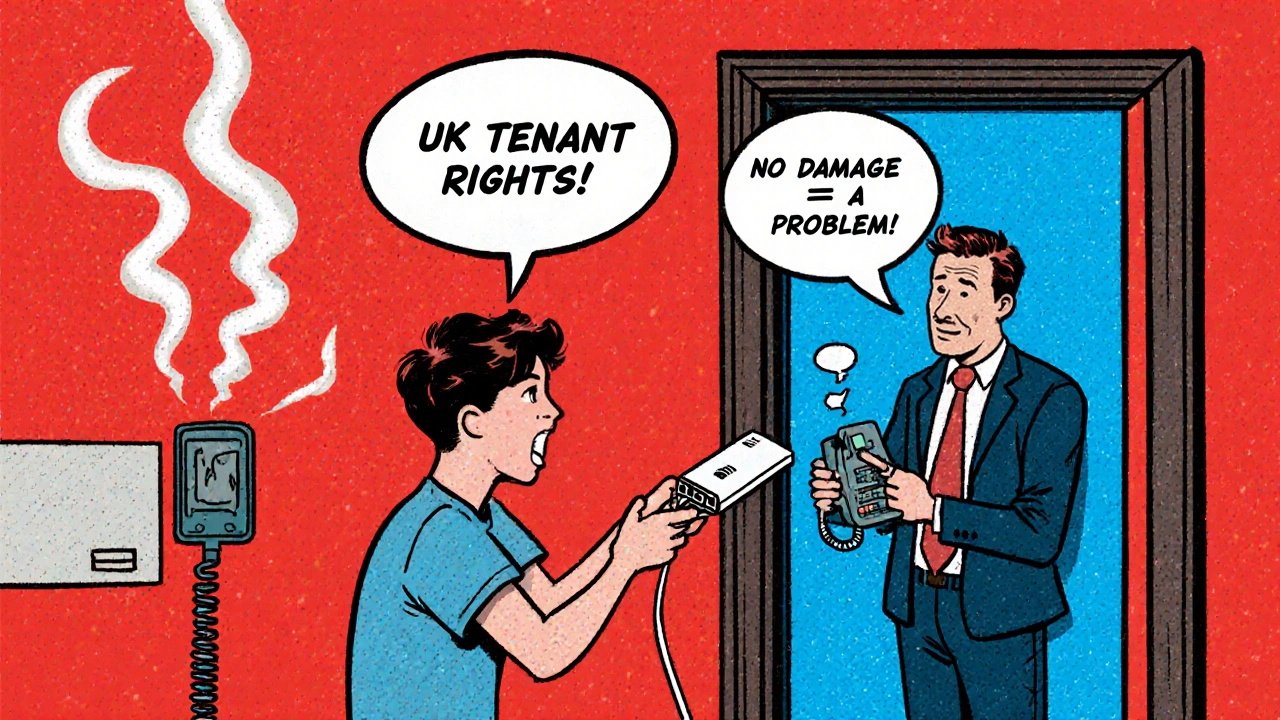
Some landlords say you can’t change providers. That’s not always true. Under UK law, tenants have the right to choose their own internet provider - as long as they don’t damage the property or alter wiring.
If your landlord refuses, check your tenancy agreement for a clause about utilities. If it says “internet included,” that doesn’t mean you can’t switch. It just means the landlord is providing a service. You can still cancel and set up your own - just don’t disconnect the existing router.
Instead, install your own router next to the existing one. Most student flats have a single Ethernet port in the living room. Plug your new router into that, and you’re online with your own deal. The landlord’s router? Leave it plugged in. No damage. No violation.
Some landlords will threaten to charge you a fee. If they do, ask them to show you the exact clause in your contract that bans switching. In 90% of cases, they can’t.
Phone bills: why you don’t need one
Let’s be honest - how many times in the last year did you call a landline? Probably never. Mobile networks in the UK offer unlimited calls and texts for under £10/month. You can get a SIM card from EE, O2, or Vodafone with 20GB of data and unlimited calls for £12.
Forget the bundled phone line. It’s outdated. Even if your landlord includes it, you’re paying for a service you don’t use. The cost? Usually £5-£8 extra per month. That’s £60-£96 a year - gone.
Switch to a mobile-only plan. Use WhatsApp, FaceTime, or Signal for free calls. Keep your landline number if you must - but don’t pay for it. If you need a UK number for job applications or banking, get a free virtual number from Google Voice or Skype. It works on your phone.
Real savings: what you can actually cut
Here’s a breakdown of what you can realistically save by switching:
| Item | Landlord Bundle | Smart Switch | Monthly Savings |
|---|---|---|---|
| Internet (50-100Mbps) | £20 | £12 | £8 |
| Landline rental | £6 | £0 | £6 |
| Unlimited calls | £3 | £0 | £3 |
| TV package | £5 | £0 | £5 |
| Service fee | £4 | £0 | £4 |
| Total | £38 | £12 | £26 |
That’s £312 a year. Enough to cover a round-trip train ticket home, buy textbooks, or save for travel. This isn’t just about saving money - it’s about taking control.
What to do next
Here’s your 5-step plan:
- Check your current bill - write down every charge
- Use Uswitch to compare deals in your postcode
- Ask your flatmates if they’re open to switching
- Choose a provider with no setup fee and a 12-month contract
- Install your router and cancel the old service
Don’t wait until next term. Start now. The sooner you switch, the more you save. And if your landlord gives you trouble? Smile, show them the law, and plug in your new router anyway.
Frequently Asked Questions
Can I really switch my internet provider if my landlord says no?
Yes. UK tenant rights allow you to choose your own broadband provider. Landlords cannot legally prevent you from installing your own router. As long as you don’t damage wiring or the property, you’re within your rights. Many landlords don’t know this - so if they push back, ask them to cite the exact clause in your contract. In most cases, they can’t.
Do I need to cancel my landlord’s service before setting up my own?
No. You can set up your own service without canceling theirs. Just plug your router into the existing Ethernet port. Leave their router connected - it won’t interfere. Once your new service is active, you can cancel their plan. This avoids any gaps in service and gives you time to make sure everything works.
What if my flat has no Ethernet port?
Some student flats only have Wi-Fi from the landlord. In that case, you can still switch - but you’ll need to use your own Wi-Fi router connected to a powerline adapter. These plug into your wall socket and create a wired connection using your home’s electrical wiring. A basic powerline kit costs under £30 and works in most flats. Once connected, your router gets a strong signal and you can set up your own network.
Is it worth getting a mesh Wi-Fi system for my flat?
Yes - especially if your flat is larger than 2 bedrooms or has thick walls. A mesh system like TP-Link Deco or Google Nest Wi-Fi eliminates dead zones and gives you consistent speed in every room. It’s a one-time cost of £50-£80. Compare that to paying £20/month for slow Wi-Fi for 3 years - you’ll break even in under 4 months.
Can I get student discounts on mobile plans too?
Absolutely. EE, O2, Vodafone, and Three all offer student discounts on mobile plans. You’ll need your student ID and email address to verify. Most plans give you 20-30GB of data, unlimited calls, and texts for £10-£12/month. That’s cheaper than your landlord’s phone line - and way more useful.
Next steps
If you’re still paying over £20 a month for internet and phone in student housing, you’re leaving money on the table. Start by writing down your current charges. Then spend 15 minutes on Uswitch. You’ll likely find a better deal in under 10 minutes. Share the savings with your flatmates - and use the extra cash for something that matters more than a landline.