
You just graduated with a CS degree from Manchester or Leeds, and you’re staring at your empty GitHub page. It’s got one forked repository from 2021 and a bio that says “Student.” In the competitive UK tech market, where recruiters for companies like Monzo, Revolut, and Deloitte Digital scan hundreds of applications daily, this is a red flag. They aren’t looking for perfection; they are looking for evidence that you can actually code, collaborate, and solve problems. Your GitHub profile isn’t just a storage locker for code-it’s your primary proof of work.
Here’s the hard truth: a generic profile gets ignored. A strategic one gets interviews. This guide breaks down exactly how to transform your GitHub profile into a hiring magnet specifically tailored for UK employers. We’ll skip the fluff about “being consistent” and focus on what actually moves the needle for internships and graduate schemes in London, Cambridge, and beyond.
The Quick Fix: Key Takeaways for Busy Grads
- Pinned Repositories: Pin your top 3-6 projects. Make them visible immediately.
- READMEs Are King: No README means no context. Write it like you’re explaining the project to a non-technical product manager.
- Activity Graph: Keep the green squares alive. Recruiters use this as a proxy for current engagement.
- Bio & Location: State your status (“CS Grad seeking UK Internship”) and location (e.g., “London, UK”).
- Clean History: Use meaningful commit messages. “Fix bug” tells us nothing; “Resolve null pointer in user auth” tells us everything.
Why UK Recruiters Actually Look at GitHub
In the US, LinkedIn often does the heavy lifting. In the UK, especially for junior and graduate roles, technical credibility is scrutinized harder early on. Why? Because UK graduate schemes are notoriously rigorous. Companies like Google UK, ARM Holdings, and fintech startups need to filter out candidates who only know theory. Your GitHub shows the practical side.
When a recruiter opens your profile, they have about 90 seconds before moving to the next candidate. They are checking three things: Do you write clean code? Can you document your work? Are you active now, not just when you needed a grade?
| Recruiter Expectation | Common Student Mistake | The Fix |
|---|---|---|
| Clear problem-solving logic | Uploading raw assignment files | Refactor assignments into standalone projects with clear goals |
| Collaboration skills | Solo repos with no commits from others | Contribute to open source or group projects with PR history |
| Current skill stack | Last commit was 8 months ago | Start a small side project using modern frameworks (React, Go, Python) |
| Communication clarity | Empty READMEs | Write detailed documentation including setup instructions |
Curating Your Pinned Repositories
You don’t need 50 repositories. You need five good ones. GitHub allows you to pin up to six repositories to the front of your profile. Treat these like the cover letter of your code. If you leave them on auto-sort by “last updated,” you might be showing off a half-baked experiment instead of your best work.
Choose projects that demonstrate different skills. Maybe one is a full-stack web app using Next.js and PostgreSQL. Another could be a data analysis script in Python using Pandas. The third might be a contribution to an open-source library. Diversity proves versatility.
Crucially, remove or archive the noise. Did you submit a messy university assignment with hardcoded variables and no comments? Archive it. Don’t delete it if you want to keep the record, but hide it from your main view. A cluttered profile suggests you don’t care about presentation. In software engineering, presentation is part of the job.
The Art of the Perfect README
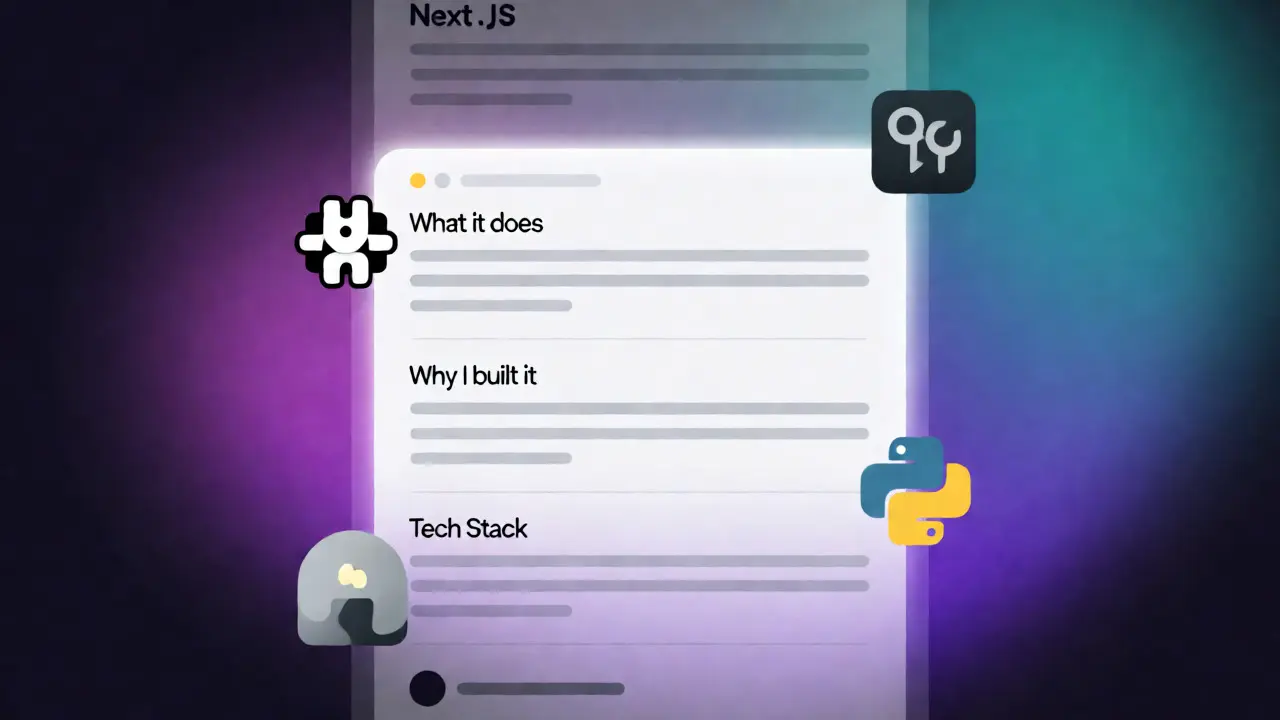
If there is one section of your GitHub profile that will decide your fate, it’s the README file. Most students write a single line: “Project for CS101.” That fails. A strong README acts as a sales pitch. It should answer four questions instantly:
- What does this do? (One sentence summary)
- Why did I build it? (The problem it solves)
- How do I run it? (Setup instructions)
- What tech stack did I use? (Badges or list)
Use Markdown formatting effectively. Add screenshots or GIFs. If it’s a web app, show it working. If it’s a CLI tool, show the terminal output. Visuals break the monotony of code blocks and make your repo inviting.
Consider adding a “Lessons Learned” section. UK interviewers love asking, “What would you change if you built this again?” Having this written down shows self-awareness and growth mindset-traits highly valued in graduate hires.
Showcasing Collaboration Through Pull Requests
Software development is rarely a solo act. UK employers, particularly at scale-ups like Wise or banks like Barclays, use Agile methodologies. They want to see that you understand branching strategies, code reviews, and merge conflicts.
If you’ve never done a Pull Request (PR), start now. Find a beginner-friendly open-source project. Look for the “good first issue” label. Submitting a PR-even a small typo fix-shows you know the workflow. More importantly, check your own repositories. Do you have branches other than `main`? Have you merged PRs from yourself or peers? If your history is linear, it looks academic. Non-linear history with merges looks professional.
Don’t fake it, though. Authenticity matters. If you worked on a group project, link to the team member’s repo or mention their contribution in the README. It shows teamwork.
Optimizing Your Bio and Social Proof
Your bio is short-160 characters max. Use every bit of it. Instead of “Coder,” try “CS Graduate | React & Node Developer | Seeking UK Internship.” Include your location. “London” or “Remote (UK)” helps recruiters filter locally.
Add links to your live projects. Code is great, but deployed code is better. Use free tiers of platforms like Vercel, Netlify, or Render to host your apps. A clickable link that works impresses more than a folder of .js files.
Finally, connect your GitHub to LinkedIn. On your LinkedIn profile, under the “Featured” section, add your best GitHub repos. This cross-pollination ensures that whether a recruiter starts on LinkedIn or GitHub, they get the same high-quality signal.

Maintaining Activity Without Burnout
The contribution graph-the grid of green squares-is a subtle psychological trigger. A gap of three months looks bad. But you don’t need to code eight hours a day. Consistency beats intensity.
Create a routine. Commit something small every few days. Update documentation. Refactor a function. Fix a typo. These count. If you’re between jobs, spend time learning a new tool and committing the examples. For example, if you’re learning Docker, commit your `Dockerfile` and `docker-compose.yml`. It shows you’re actively expanding your toolkit.
Remember, quality over quantity. Ten meaningful commits are better than fifty “Update README.md” commits. However, some activity is better than none. Aim for a steady trickle rather than sporadic bursts.
FAQ: Common Questions About GitHub for UK Jobs
Do I need to contribute to major open-source projects like Linux?
No. For internships and graduate roles, contributing to smaller, niche libraries or even creating your own well-documented tools is sufficient. Recruiters value understanding the PR process more than the fame of the repo.
Should I include my university assignments?
Only if you refactor them. Raw assignments often contain poor structure or hardcoded values. Clean them up, add a proper README, and remove any sensitive student data before making them public.
Is it okay if my profile is mostly private?
Not really. If you can’t share code due to NDA or coursework rules, create a separate “portfolio” account with personal projects. Public visibility is key for GitHub’s role in recruitment.
How many pinned repositories should I have?
Pin between 3 and 6. This fills the visual space without overwhelming the viewer. Ensure each one highlights a different skill set (e.g., frontend, backend, data).
Does the language breakdown matter?
It provides context but isn’t a strict filter. However, if you’re applying for a Python role, ensure Python appears prominently in your stats. You can adjust this by archiving non-Python projects or writing more Python scripts.
Next Steps: Audit Your Profile Today
Open your GitHub profile right now. Look at it through the eyes of a tired recruiter at 4 PM on a Friday. Does it tell a story? Is it easy to navigate? Does it prove you can ship code?
If not, spend two hours today fixing your top three READMEs. Pin your best work. Update your bio. Then, apply for that internship. Your code speaks louder than your CV ever could.