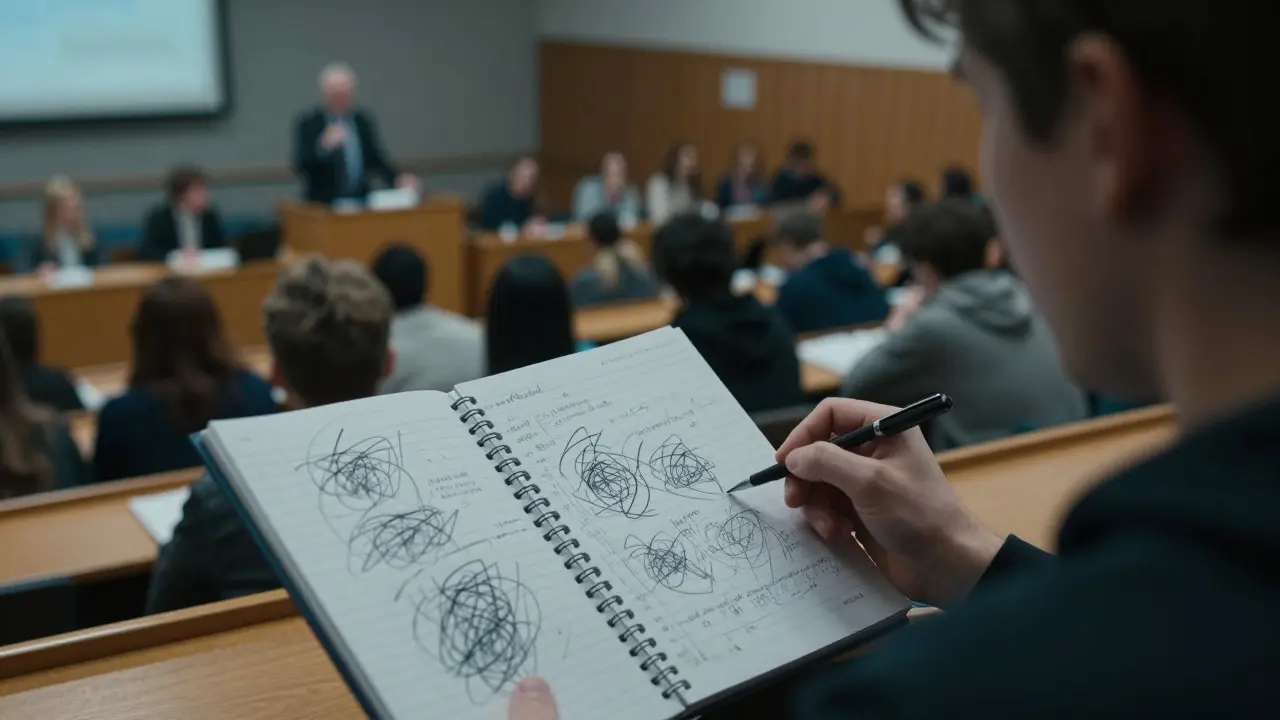
Imagine sitting in a packed lecture hall, the professor talking at lightning speed, and you’re just trying to keep up with your pen. By the time you look up, you’ve written half a page of scribbles that mean nothing to you three days later. This is the reality for most university students who rely on linear note-taking. The problem isn’t your memory; it’s your method. Cornell Notes is a structured note-taking system developed by Walter Pauk at Cornell University that divides the page into distinct sections for cues, notes, and summaries to enhance retention. It turns passive listening into an active learning process, forcing you to engage with the material immediately after class rather than waiting until the night before an exam.
Why Linear Notes Fail in University Settings
Most students default to writing down everything they hear. This approach feels productive because your hand is moving, but it creates a false sense of security. When you review these notes later, you are essentially re-reading information you never truly processed. Cognitive science tells us that Active Recall is the act of actively triggering your memory to retrieve information from your brain, which strengthens neural pathways more effectively than passive review. Traditional notes do not facilitate this. They are just a transcript. Cornell Notes fix this by structuring your page to force interaction between what you heard and what you understood.
The difference is stark. In a standard notebook, if you miss a concept, it stays missing until you reread the textbook. In the Cornell system, the layout itself prompts you to identify gaps in real-time. You aren't just recording data; you are organizing it for future retrieval. This shift from recording to processing is the core value proposition of the method.
Anatomy of the Cornell Note Page
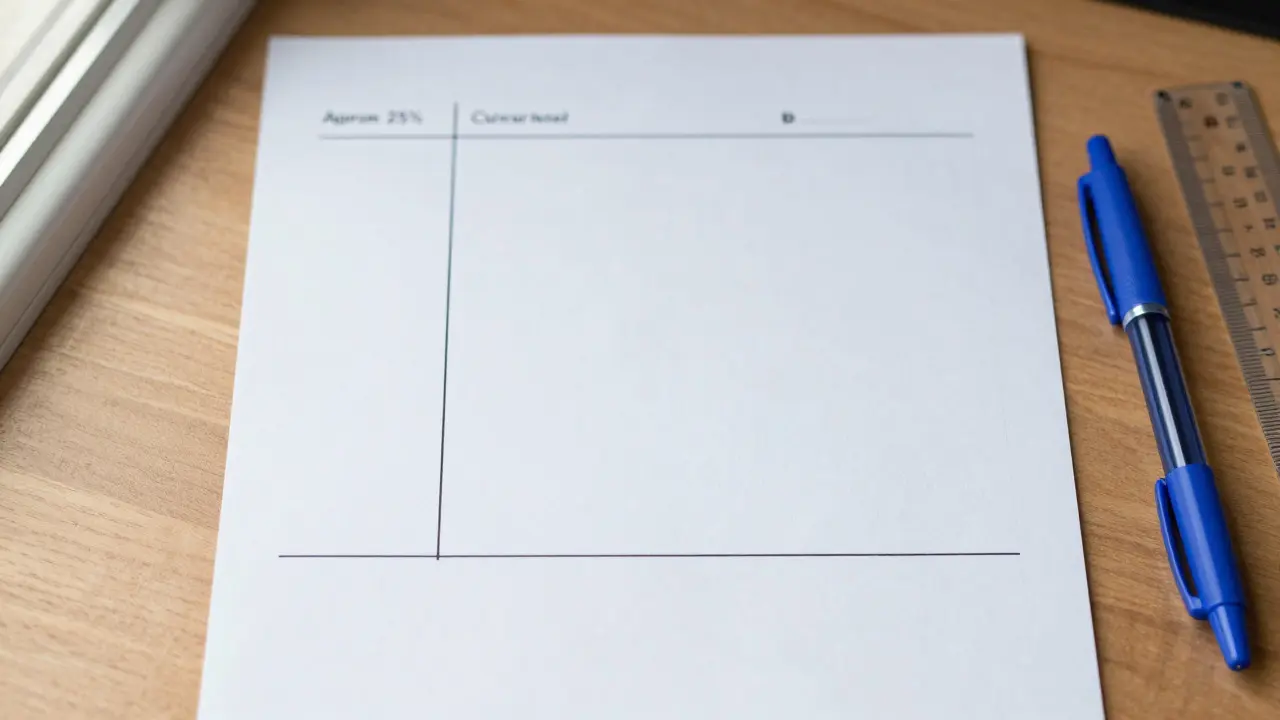
To use this system, you need to set up your paper correctly. Whether you use a dedicated notebook or loose leaf, the structure remains the same. You divide a standard letter-size page into three specific zones. Here is how you draw them:
- The Cue Column (Left Side): Draw a vertical line about 2.5 inches (6 cm) from the left edge of the page. This narrow column is reserved for keywords, questions, or main concepts.
- The Note-Taking Area (Right Side): The large remaining space on the right is where you write your actual notes during the lecture. Keep this area open for detailed explanations, examples, and diagrams.
- The Summary Section (Bottom): Draw a horizontal line across the bottom of the page, leaving about 2 inches (5 cm) of space. This footer is for a brief summary of the entire page’s content.
This physical separation is crucial. It visually distinguishes between raw data (notes), retrieval triggers (cues), and synthesis (summary). Don't skip the margins; they define the function of each section.
Step 1: Capture During the Lecture
During the actual class session, ignore the cue column entirely. Focus 100% of your attention on the note-taking area on the right. Your goal here is capture, not perfection. Use abbreviations, symbols, and short phrases. If the professor says "photosynthesis converts light energy into chemical energy," write "Photo: Light → Chem Energy." Speed matters here because you want to leave mental bandwidth for listening to the context, not just transcribing words.
If you get lost, mark it with a question mark. Don't stop to ask for clarification unless it’s critical, as you might miss the next point. The beauty of the Cornell method is that you don't need to understand everything in the moment. You just need to record it accurately enough to reconstruct the logic later.
Step 2: Process Within 24 Hours
This is the step most students skip, and it’s where the magic happens. Within 24 hours of the lecture-ideally the same evening-you must return to your notes. First, read through the right-hand side to refresh your memory. Then, look at the key points and formulate questions or keywords in the left-hand cue column.
For example, if your note says "Mitochondria produce ATP via oxidative phosphorylation," your cue might be "What produces ATP?" or simply "ATP production." These cues act as flashcards. Later, when you cover the right side with a sheet of paper, you can look at the cue and try to answer it without peeking. This is pure Spaced Repetition, a learning technique that involves recalling information at increasing intervals over time to move knowledge from short-term to long-term memory.
Step 3: Synthesize in the Summary
Finally, fill in the bottom summary section. Write 2-3 sentences that explain the main idea of the page in your own words. Do not copy from the notes. If you can’t summarize it simply, you don’t understand it well enough. This forces you to connect disparate pieces of information into a coherent narrative. For instance, if the page covered both supply and demand curves, your summary might state, "Market equilibrium occurs where supply meets demand; shifts in either curve change the price and quantity traded."
Comparison: Cornell vs. Standard Note-Taking
It helps to see exactly how the workflow differs from traditional methods. The table below highlights the functional differences that impact retention rates.
| Feature | Standard Linear Notes | Cornell Notes |
|---|---|---|
| Structure | Single continuous column | Three distinct zones (Cue, Note, Summary) |
| Processing Time | Often delayed until exam week | Immediate processing within 24 hours |
| Review Mechanism | Rereading text | Active recall using cue column |
| Synthesis Requirement | None | Mandatory summary in footer |
| Efficiency for Exams | Low; requires filtering irrelevant info | High; cues highlight high-yield topics |
Common Pitfalls and How to Avoid Them
Even with the best system, execution errors can ruin its effectiveness. One common mistake is treating the cue column like a second note-taking area. Keep it concise. If you write full sentences in the left column, you lose the benefit of quick scanning. Another error is neglecting the summary. A blank footer means you skipped the synthesis step, leaving your notes as just a fancy-looking transcript.
Also, don't be afraid to use different colors. Highlighting cues in blue and summaries in green can help your brain categorize information visually. However, avoid excessive decoration. The goal is clarity, not art. If you find yourself spending more time formatting than thinking, simplify your setup.
Optimizing for Different Lecture Styles
Not all lectures are created equal. In a fast-paced engineering lecture, you might prioritize speed in the note-taking area, using heavy abbreviation. In a slower humanities seminar, you might have more time to think critically during the lecture, allowing you to jot down potential cues directly. Adapt the ratio of detail in your notes to the pace of the speaker, but never skip the post-lecture processing phase. That is where the Metacognition, the ability to observe and evaluate one's own thought processes, is essential for effective learning strategies, comes into play. You are monitoring your understanding in real-time.
Digital Adaptations for Modern Students
You don't need paper to use Cornell Notes. Many digital tools replicate this layout natively. Apps like GoodNotes or Notion allow you to create templates with pre-drawn lines. If you type your notes, use a two-column spreadsheet or a document with a fixed-width sidebar. The key is maintaining the visual separation. Typing can actually be faster than handwriting, giving you more time to focus on the lecture content. Just ensure you still perform the 24-hour review step. Digital notes make it easier to search for keywords later, which complements the cue column strategy perfectly.
Frequently Asked Questions
How much time does it take to process Cornell Notes?
Typically, processing takes about 10-15 minutes per page of notes. This includes reading back, creating cues, and writing the summary. While it seems like extra work, it reduces total study time before exams by 30-50% because the material is already organized for review.
Can I use Cornell Notes for group discussions?
Yes, it works well for seminars. Use the note-taking area for arguments and evidence presented by peers. Use the cue column to list counter-arguments or questions you want to raise. The summary section can hold your final position or key takeaways from the discussion.
What if my handwriting is messy?
Messy handwriting is fine as long as it is legible to you. The structure compensates for illegibility by forcing you to clarify concepts in the summary. If handwriting is too slow, switch to digital typing while keeping the same three-zone layout.
Do I need to process every single page?
Ideally, yes. Consistency builds the habit. However, if a lecture was purely administrative or low-value, you can skip the deep processing. But for core curriculum content, always complete the cues and summary to maximize retention.
How does this compare to Mind Mapping?
Mind mapping is better for brainstorming and seeing big-picture connections. Cornell Notes are superior for sequential lectures and factual retention. Many students combine them: use Cornell for the lecture record, then create a mind map from the summary sections for complex conceptual relationships.