
Quick Summary: Which Speed Fits Your House?
- 1-2 People: 30-60 Mbps (Fine for basic study and streaming).
- 3-4 People: 60-150 Mbps (The sweet spot for most student shares).
- 5+ People / Gamers: 250 Mbps to 1 Gbps (Essential for heavy users and large groups).
The 'Mbps' Myth: What Those Numbers Actually Mean
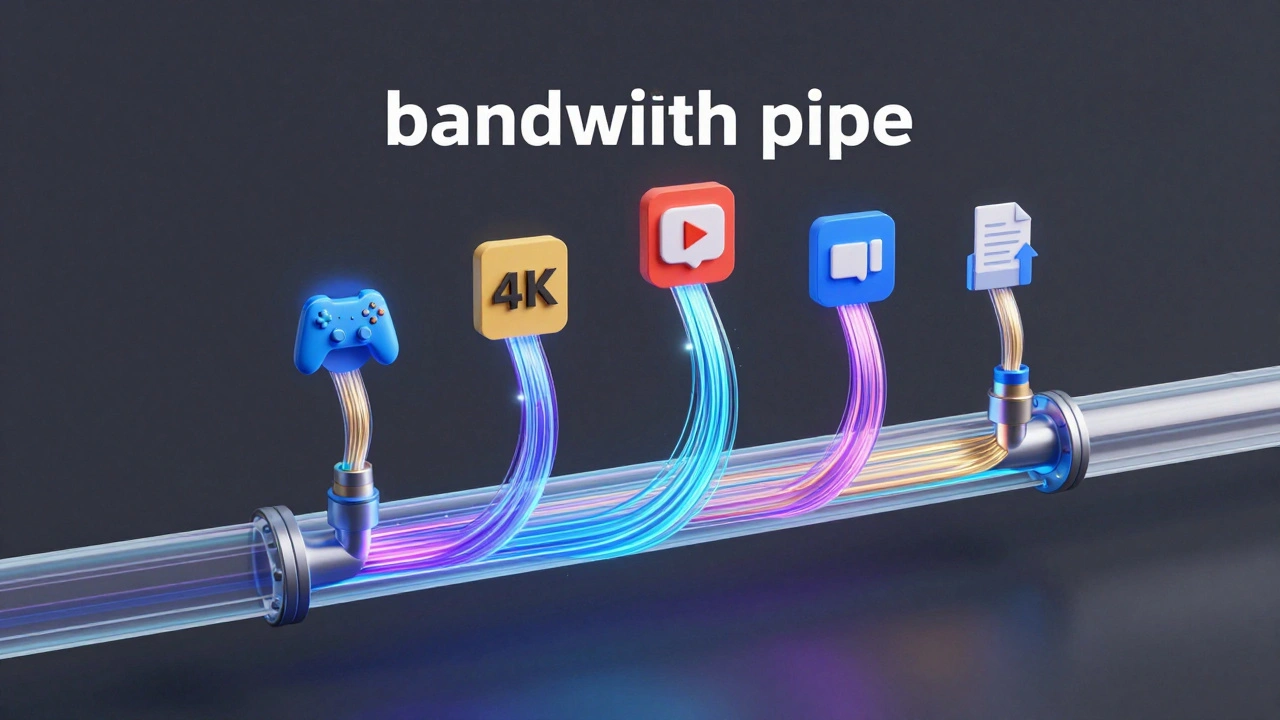
Most providers shout about their maximum speeds, but those are theoretical. You won't always hit that peak. To understand what you need, you have to look at bandwidth-which is like a pipe. If the pipe is narrow (low Mbps), and everyone turns on their taps at once, the water pressure drops for everyone. If the pipe is wide, you can all shower at the same time without anyone screaming.
When you see Mbps (Megabits per second), remember that this is the download speed. For students, upload speed is just as vital. If you're uploading a huge project to a university portal or sending a video file for a media degree, a slow upload speed will make you miserable regardless of how fast your downloads are.
| Activity | Minimum Speed Needed | Recommended for Smooth Experience |
|---|---|---|
| Zoom/Teams Call | 3 Mbps | 10 Mbps |
| Netflix HD Streaming | 5 Mbps | 15 Mbps |
| 4K Ultra HD Streaming | 25 Mbps | 50 Mbps |
| Competitive Gaming | 5 Mbps (Low Ping) | 25 Mbps+ |
| Large File Uploads | 10 Mbps | 50 Mbps+ |
Matching Speed to Your Housemate Persona
Not all students use the web the same way. To figure out your house's requirement, do a quick audit of your housemates. If you have one person who is a Hardcore Gamer and another who is a film student editing 4K footage, your needs skyrocket. Gaming itself doesn't actually use a ton of bandwidth, but downloading a 100GB game update will choke the connection for everyone else for three hours if you're on a basic plan.
Then you have the 'Casuals'-people who mostly use their phones for TikTok and the occasional Word document. If your house is full of Casuals, a 60Mbps plan is plenty. But if you're mixing in 'Power Users,' you need to aim higher. A Gigabit connection (1,000 Mbps) is essentially overkill for most, but it's the only way to guarantee that no one ever sees a buffering wheel, regardless of what the other four people are doing.
The Hidden Enemy: WiFi vs. Ethernet
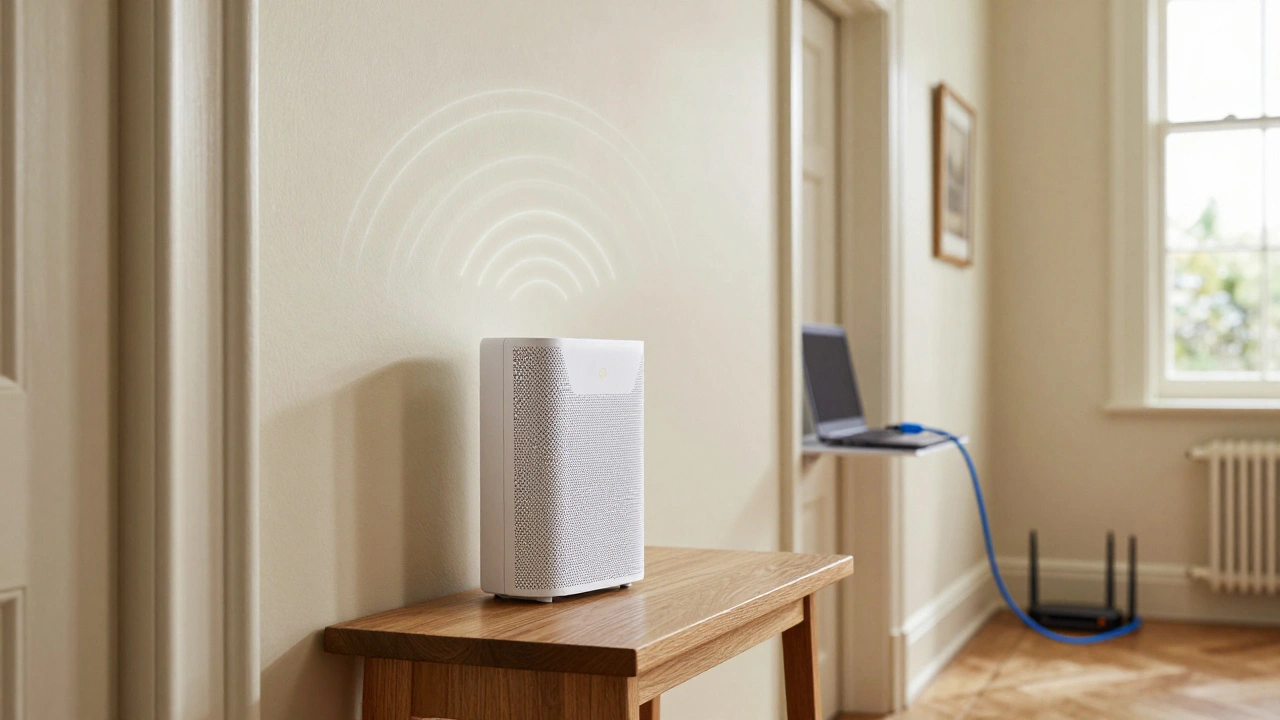
You can pay for the fastest speed in the UK, but if you're using a cheap router provided by the ISP in a house with thick Victorian walls, you won't see those speeds in your bedroom. This is where Signal Interference comes in. Walls, mirrors, and even microwaves can kill your signal.
For anyone doing a high-stakes online exam or playing a competitive game, Ethernet is the only answer. Plugging your laptop directly into the router using a Cat6 cable bypasses the WiFi struggle entirely. If the router is in the hallway and your room is at the other end of the house, consider a Mesh WiFi system. Instead of one powerful router trying to scream through three walls, a Mesh system uses multiple nodes to blanket the house in a consistent signal.
Avoiding the 'Student Contract' Trap
Many students fall into the trap of signing 24-month contracts because they're cheap upfront. But remember: you're only in that house for 10 to 12 months. If you sign a two-year deal, you'll be paying for a connection in a house you no longer live in next year. Look for No-Contract Broadband or shorter 12-month terms specifically designed for students.
Also, check if your house comes with 'included' internet. Often, landlords provide a basic package that is barely functional. If the landlord's internet is lagging, you might be able to negotiate a contribution toward a better package or just set up your own account and split the cost. Just make sure you check who is responsible for the Router hardware before you sign anything.
How to Split the Bill Without Fighting
Internet is one of the easiest things to argue about. To keep the peace, don't just guess. Use a simple app like Splitwise to track the monthly cost. If one person in the house is a 'bandwidth hog' (e.g., they run a server or stream on Twitch), some houses agree that the power user pays a slightly higher percentage of the bill. It sounds petty, but it prevents resentment when the internet slows down during finals week.
A pro tip for the 'house admin' person: set up a recurring direct debit from a joint house account. There is nothing worse than chasing four different people for £8 every month while the ISP threatens to cut you off for non-payment.
The Final Verdict on student broadband speeds
If you're just looking for a number to put in the search bar, go for 100Mbps to 150Mbps. It's the safety zone for 3-4 adults. It handles a few simultaneous HD streams, a couple of Zoom calls, and background updates without breaking a sweat. Only drop to 30-60Mbps if you're in a very small group or are on a strict budget. Only jump to 500Mbps+ if you have a house full of creators or gamers.
Can I use a 4G or 5G router instead of traditional broadband?
Yes, these are called fixed-wireless access. They are great if you can't get fiber in your street or don't want to deal with an engineer visit. However, the speeds can fluctuate based on how many people are using the local cell tower, which can be a nightmare during peak evening hours in student-heavy areas.
What is 'Ping' and why does it matter for students?
Ping (or latency) is the time it takes for a signal to travel from your device to the server and back. While Mbps is about how much data you can move, ping is about how fast it starts moving. Low ping is critical for gaming and video calls to prevent that awkward overlap where two people talk at once because of a delay.
Is Fiber (FTTP) better than standard broadband?
Absolutely. FTTP (Fiber to the Premises) brings the fiber optic cable directly into your home. It's significantly more stable and offers much higher speeds than FTTC (Fiber to the Cabinet), which still relies on old copper phone lines for the last few meters of the connection.
How do I test if I'm actually getting the speed I pay for?
Use a site like Speedtest by Ookla or the Fast.com tool. For an accurate reading, do it while plugged in via Ethernet next to the router. If you test via WiFi from your bedroom, you're testing your WiFi signal strength, not the actual speed coming into the house.
Will a VPN slow down my student internet?
Usually, yes. A VPN encrypts your data and routes it through another server, which adds an extra step to the journey. Depending on the VPN provider and the server location, you might see a drop in speed anywhere from 10% to 30%. If you're already on a slow connection, this can make browsing feel sluggish.
Next Steps & Troubleshooting
If your internet is still crawling despite having a fast plan, try these three things first:
- Restart the Router: It sounds cliché, but clearing the cache and forcing a new connection to the exchange often fixes random slowdowns.
- Change the WiFi Channel: In student areas, everyone's routers are fighting for the same wireless channels. Switching to a less crowded channel in your router settings can instantly boost speeds.
- Check for 'Ghost' Devices: Ensure you don't have ten old phones and tablets still connected to the WiFi, all running background updates.