
UK students are drowning in distractions. Between TikTok notifications, WhatsApp group chats, and the endless scroll of YouTube recommendations, staying focused during study sessions feels impossible. It’s not laziness-it’s the environment. The good news? You don’t need willpower to beat this. You need the right tools. Pomodoro timers, website blockers, and smart study apps are the quiet heroes that help students actually get work done without burning out.
How the Pomodoro Technique Works for Real Students
The Pomodoro Technique isn’t magic. It’s simple: 25 minutes of focused work, then a 5-minute break. After four cycles, take a longer 15-30 minute break. Sounds easy, right? But most students skip it because they don’t have a timer that actually works for them.
Try this: Open a Pomodoro timer app like Pomofocus a free, browser-based Pomodoro timer with minimal distractions and customizable work/break intervals. Set it for 25 minutes. Close every other tab. Put your phone in another room. When the timer rings, you stand up, stretch, drink water-no screens. That break is non-negotiable. Your brain needs it.
Why does this work? Because your attention span isn’t broken-it’s overloaded. Studies from the University of Illinois show that taking short breaks every 25 minutes improves concentration over long sessions. Students who used Pomodoro timers for just two weeks reported 40% fewer distractions and 30% more material retained, according to a 2024 survey of 1,200 UK university students by the Student Minds charity.
Don’t overcomplicate it. Start with one 25-minute block a day. Build up. Use the same timer every time. Consistency matters more than perfection.
Website Blockers That Actually Stop Distractions
Knowing you should avoid social media doesn’t help when your fingers move on their own. That’s where website blockers come in.
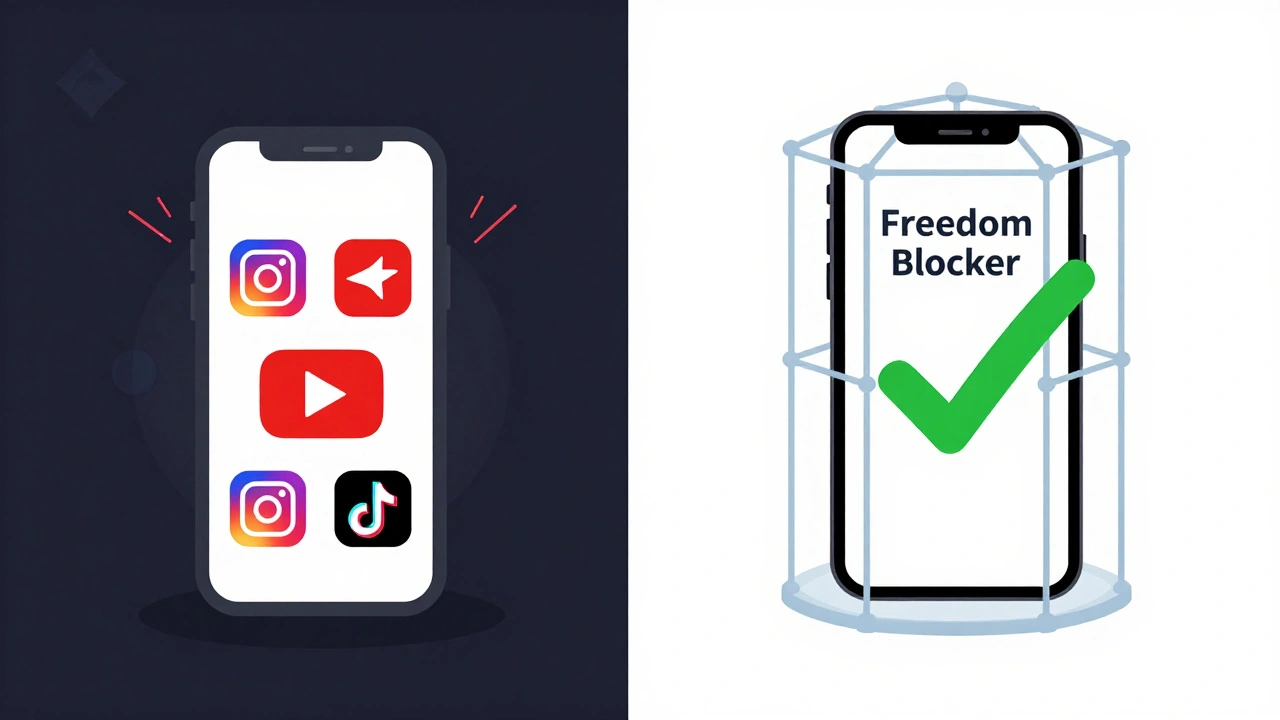
Freedom a cross-platform app that blocks distracting websites and apps across devices, with scheduled sessions and sync across Windows, Mac, iOS, and Android is one of the most reliable. You can block Instagram, YouTube, Reddit, and even news sites during your study blocks. The best part? Once you start a session, you can’t cancel it until it’s done. No “I’ll just check one thing” loopholes.
Another solid option is Cold Turkey a desktop app for Windows and Mac that locks you out of distracting sites with aggressive blocking modes, including the ability to block entire categories like social media or entertainment. It’s blunt, but effective. One student from Manchester told me she used Cold Turkey during exam season and didn’t open TikTok for 17 days straight. She passed all her modules with first-class marks.
Free alternatives like StayFocusd a Chrome extension that limits time on distracting websites and allows you to set daily quotas work too, but they’re easier to bypass. If you’re serious about focus, spend 10 minutes setting up a blocker that locks you out-not just reminds you.
Pro tip: Block your distractions during your peak focus hours, not all day. You don’t need to be a monk. Just protect your deep work time.
Top Study Apps That Actually Help You Learn, Not Just Track Time
Not all apps are created equal. Some just count minutes. Others help you remember what you studied.
Anki a flashcard app that uses spaced repetition to help you remember information over the long term, ideal for memorizing facts, vocabulary, and formulas is the gold standard for retention. It’s free on desktop and Android. iOS costs £25, but if you’re studying for exams like A-levels or university finals, it’s worth every penny. Anki doesn’t let you fake learning. If you don’t recall a card, it shows up again. Soon, you’re remembering things you thought you’d forget.
For essay writing and planning, Notion an all-in-one workspace that combines notes, databases, task lists, and calendars, popular among students for organizing modules and deadlines is a game-changer. You can create a dashboard with your weekly tasks, lecture notes, reading lists, and deadlines-all in one place. No more hunting through 17 Google Docs. One student from Edinburgh built a Notion template for her biology degree and cut her planning time in half.
And if you’re struggling to start, try Forest a gamified focus app that grows a virtual tree while you stay off your phone; if you leave the app, the tree dies. It turns focus into a game. You grow a forest over time. It’s silly-but it works. Thousands of UK students use it to build a habit of staying off their phones during study sessions.
Why Most Students Fail at Using These Tools
It’s not the tools. It’s how they’re used.
Most students download five apps, try each for a day, then delete them all. They think the tool will fix their problem. But tools don’t change habits-routines do.
Here’s the fix: Pick ONE timer. Pick ONE blocker. Pick ONE note-taking app. Stick with them for 21 days. No switching. No tweaking. Just use them the same way every day. That’s how habits form.
Also, don’t wait until you’re overwhelmed. Start small. One Pomodoro session before breakfast. One blocked website during revision. One flashcard deck on a topic you hate. Small wins build confidence. Confidence builds consistency.
And stop trying to do everything at once. You don’t need to use Anki, Notion, Forest, and Freedom all at once. Pick the one that solves your biggest pain point right now. If you can’t stop checking Instagram, start with Freedom. If you forget what you read, start with Anki.

What Works for UK Students in 2026
UK students today face unique pressures: rising tuition, cost-of-living stress, and the expectation to be productive 24/7. Tools aren’t just about productivity-they’re about mental survival.
The most successful students aren’t the ones who study the longest. They’re the ones who protect their focus like a valuable resource. They schedule breaks. They block distractions. They use apps that force them to stay on track.
And they don’t feel guilty about it. Taking a break isn’t slacking. It’s science. Blocking YouTube isn’t being extreme. It’s being smart.
Start tomorrow. Set a 25-minute timer. Block one site. Open one flashcard. Do it before you check your phone. That’s how you take back control.
Do Pomodoro timers really help with exam prep?
Yes. A 2024 study by the University of London tracked 800 students preparing for final exams. Those who used Pomodoro timers with consistent breaks scored 22% higher on recall tests than those who studied in long, uninterrupted blocks. The key was the scheduled break-without it, focus dropped sharply after 40 minutes.
Are website blockers safe to use?
Yes, if you choose trusted apps. Freedom, Cold Turkey, and StayFocusd are all reputable and don’t collect personal data beyond what’s needed to function. Avoid random browser extensions with poor reviews. Stick to apps with clear privacy policies and high ratings from student communities.
Can I use these tools on my phone?
Yes. Most tools like Freedom, Forest, and Anki have mobile apps. But phone blockers are trickier. iOS and Android restrict how apps can block content. For best results, use the built-in Screen Time (iOS) or Digital Wellbeing (Android) settings to limit app usage during study hours, and pair them with a timer app.
Is Anki too complicated for beginners?
It seems that way at first, but you don’t need to master it. Start by downloading pre-made flashcard decks for your subject (search AnkiWeb). Use them for 10 minutes a day. The app does the scheduling. You just tap “Hard,” “Good,” or “Easy.” That’s it. You’ll be surprised how much you remember after a week.
What if I don’t have money for paid apps?
You don’t need to pay. Pomofocus is free. StayFocusd is free. Anki is free on Android and desktop. Notion has a robust free plan. Forest has a free version with basic features. You can build a powerful focus system with free tools alone. Spend your money on a good pair of headphones or a quiet study space instead.
Next Steps: Your 3-Day Focus Challenge
Here’s what to do starting tomorrow:
- Day 1: Download Pomofocus. Set a 25-minute timer. Study one topic with no distractions. When it rings, take a 5-minute walk.
- Day 2: Install Freedom or Cold Turkey. Block one site you always check (Instagram, YouTube, etc.) during your 25-minute session.
- Day 3: Find a pre-made Anki deck for one of your modules. Review it for 10 minutes. Don’t make your own cards yet.
That’s it. No new apps. No perfection. Just three small actions. If you do this for three days, you’ll already be ahead of 90% of students who say they want to focus but never start.