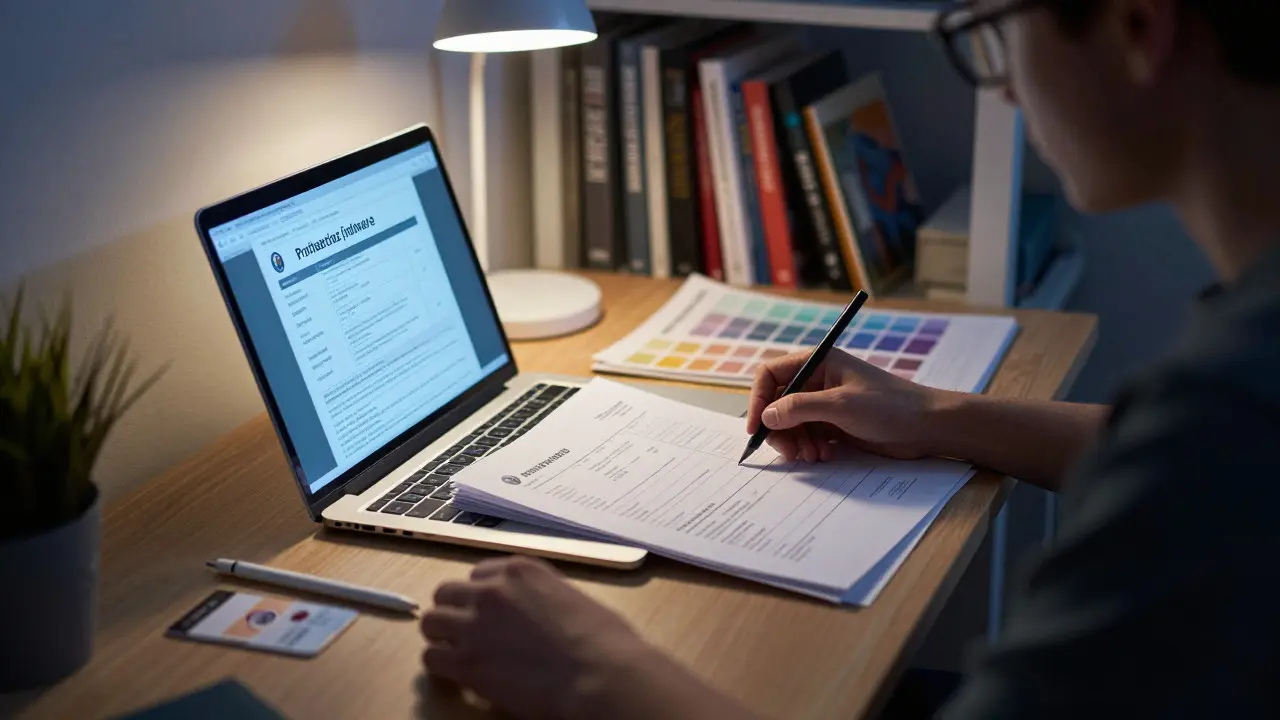
Staring at a £300+ annual bill for creative software can feel like a second tuition fee. For UK students in photography or graphic design, the cost of professional tools is a major pain point. You need industry-standard apps to build your portfolio, but your budget is tight. The good news? You don't have to pay full retail price. In fact, you might not even need Adobe.
This guide breaks down the real costs of student software pricing in the UK for 2026. We’ll compare Adobe’s ecosystem against powerful, cheaper alternatives that are actually used by pros. By the end, you’ll know exactly where to save money without sacrificing quality for your degree or freelance work.
The Adobe Reality: What You’re Actually Paying
Adobe Creative Cloud is the dominant suite of creative applications including Photoshop, Lightroom, and Illustrator. It’s the standard in universities because most lecturers teach with it. If you want to be employable, knowing these tools is non-negotiable.
However, the "Student" plan isn’t as simple as a single button click. Adobe offers two main tiers for students:
- All Apps Plan: This gives you access to over 20 apps. As of 2026, this typically costs around £219 per year (billed annually). That’s roughly £18.25 a month. It includes Photoshop, Illustrator, InDesign, Lightroom, and Premiere Pro.
- Single App Plans: If you only need one tool, say just Photoshop, you can get it for about £74 per year. But if you add a second app later, the price jumps significantly, often to the All Apps rate.
The catch? Verification. You usually need a valid .ac.uk email address or a student ID card from a recognized UK institution. Some private colleges don’t qualify, so check Adobe’s eligibility list before assuming you’re covered. Also, note that prices rise every year. The 2026 rates are higher than they were in 2024, so lock in an annual contract if you can afford the upfront cost to avoid monthly hikes.
The Cheaper Route: Affordable Alternatives
If Adobe feels too heavy on your wallet, look at these alternatives. They are legitimate, professional-grade tools that many studios use.
| Software | Best For | Cost (UK) | Key Advantage |
|---|---|---|---|
| Adobe CC (All Apps) | Industry Standard | ~£219/year | Employability, File Compatibility |
| Affinity Suite | One-time Purchase | ~£169 (one-off) | No Subscription, Lifetime Updates |
| GIMP | Free Editing | Free | Open Source, No Cost |
| Inkscape | Vector Graphics | Free | Open Source, SVG Support |
| Krita | Digital Painting | Free | Brush Engine, Animation |
Affinity Designer and Affinity Photo are the biggest rivals to Adobe. Unlike subscriptions, Affinity uses a one-time purchase model. You pay once (around £169 for the suite) and own it forever. This is huge for students who hate recurring bills. After three years, you’ve paid less than two years of Adobe. Plus, the file formats (.afdesign, .affphoto) are increasingly accepted by agencies, though .psd and .ai remain safer for handovers.
For those on a zero-budget, open-source tools are surprisingly capable. GIMP handles raster editing well enough for social media content. Inkscape is excellent for logo design and vector work. The learning curve is steeper, but the cost is zero. Many freelancers start here and move to paid tools only when clients demand specific file types.
Hidden Discounts: How to Get More Than Just Student Rates
Don’t settle for the first price tag you see. There are layers of discounts available in the UK education sector.
- University Licenses: Many UK universities buy site licenses for Adobe or other software. Check your student portal or IT helpdesk. You might get access to the full Creative Cloud suite for free while enrolled. This is common in arts and media departments.
- Bundle Deals: If you buy hardware, look for bundles. Apple often sells MacBooks with 12 months of Creative Cloud included. Microsoft sometimes bundles Office and design tools with Surface devices. Always ask before paying separately.
- Annual vs Monthly: Adobe’s monthly plans are a trap. The effective annual cost is 30-40% higher than the annual prepay option. If cash flow is an issue, consider splitting the annual payment across friends or family, then refund them after graduation.
- Graduate Transition: When you finish your degree, your student status ends. Adobe offers a short grace period, but prices jump to consumer rates. Switch to a single-app plan or move to Affinity immediately to avoid the shock.
Which Software Fits Your Degree?
Your choice shouldn’t just be about price; it should match your career path.
Photography Students
You need robust RAW processing and color management. Lightroom Classic remains the gold standard for workflow efficiency. Its integration with Capture One is a close second, but Capture One doesn’t offer a traditional student discount-it’s priced for professionals (approx. £25/month). If you’re serious about commercial photography, invest in Lightroom via Adobe. If you’re into fine art or printing, GIMP plus a dedicated color management plugin can work, but it’s slower.
Graphic Design & Illustration
Here, vector skills are key. Illustrator is what employers expect. However, Affinity Designer has closed the gap significantly. It’s faster, lighter, and doesn’t crash as often. If you’re designing for print, both handle CMYK well. For web design, you might also need Figma, which has a generous free tier for students and is essential for UI/UX roles.
Motion Graphics & Video
If your course involves video, Premiere Pro is the default. Alternatives like DaVinci Resolve are free for personal use and incredibly powerful. DaVinci’s color grading is better than Premiere’s, and its Fusion module handles motion graphics. Many students use DaVinci for final cuts and export to Premiere only if a client demands it.

Common Pitfalls to Avoid
Students often make costly mistakes with software licensing. Here’s how to dodge them:
- Buying Perpetual Licenses Online: Be wary of third-party sellers offering "lifetime" Adobe licenses. These are often cracked or resold seats that will expire. Stick to official stores for Adobe.
- Ignoring System Requirements: Creative apps are resource-heavy. A 2026 MacBook Air with 8GB RAM will struggle with 4K video in Premiere. Before buying software, ensure your laptop has at least 16GB RAM and a dedicated GPU if possible.
- Not Backing Up Files: Student accounts can be deactivated if you drop out or fail to verify annually. Keep local backups of all projects. Don’t rely solely on cloud storage tied to your student email.
- Over-Purchasing Apps: You don’t need InDesign if you’re not doing layout work. Start with a single app or a smaller bundle. You can always upgrade later.
Final Thoughts on Value
There is no single "best" software for every student. If your goal is immediate employability in a large agency, pay the Adobe premium. It’s the language of the industry. If you value long-term savings and flexibility, Affinity is the smart financial play. And if you’re just starting out or working on passion projects, free tools like GIMP and DaVinci Resolve are more than sufficient.
Check your university’s IT department first. You might already have free access. If not, compare the total cost of ownership over four years. Subscriptions add up fast. A one-time purchase pays for itself sooner. Whichever path you choose, focus on building your portfolio. Employers care more about what you can create than which logo is on your toolbar.
Is the Adobe student discount worth it in the UK?
Yes, if you need multiple apps. The All Apps plan saves about 40% compared to buying individual apps separately. However, if you only need one tool like Photoshop, a single-app subscription or a one-time purchase alternative like Affinity Photo might be cheaper in the long run.
Do I need a .ac.uk email to get the student discount?
Usually, yes. Adobe requires verification through a school-issued email or a valid student ID from a recognized institution. Some private colleges may not qualify, so check Adobe’s eligibility page before purchasing. University IT departments can often help with verification.
Can I switch from Adobe to Affinity easily?
It depends on the file type. Affinity can open PSD and AI files, but complex features like Smart Objects or advanced text styles may break. For simple designs, the transition is smooth. For complex layouts, you may need to recreate elements. It’s best to test a few sample files before fully committing.
What is the cheapest professional photo editing software for students?
GIMP is free and open-source, making it the cheapest option. It lacks some automated features found in Lightroom but handles manual adjustments well. If you want a paid option with a one-time cost, Affinity Photo is the most affordable professional-grade tool, costing around £75 for a single app license.
Does my university provide free software licenses?
Many UK universities do. Arts, Media, and Design departments often purchase site licenses for Adobe Creative Cloud, Autodesk, or others. Check your student handbook or visit the IT helpdesk. Even if not listed, ask specifically-some licenses are available upon request.